How to make training videos that actually teach
To make training videos that teach: one objective, under six minutes, a script written for the ear, matching visuals, a quick check and a plan for updates.
By the Chasca team 6 min read
To make a training video people learn from, choose one learning objective, keep the video short (under six minutes, and shorter for a single task), write the script before anything else, show exactly what the narrator says, end with a quick check for understanding, and build it so it is easy to update. Many training videos go wrong on the first two points: they try to cover a whole procedure in one long recording.
The steps below follow evidence-based guidelines for educational video, in particular Cynthia Brame’s review of the research in CBE Life Sciences Education. It comes down to three things: manage how much viewers have to process at once, keep them engaged, and get them to do something with what they saw.
Step 1: What should people be able to do afterwards?
Write the objective as a sentence with an action in it:
After watching, a new agent can route a billing dispute to the right queue.
“Understand billing” is not an objective, because nobody can check it. A real objective tells you what to include, what to cut and what question to ask at the end. Brame recommends keeping each video brief and targeted on its learning goal, and telling viewers that goal in a line of text before they press play.
One objective per video. If your list has five, you are making five videos.
Step 2: How long should each training video be?
Shorter than you think. In what they described as the largest study of video engagement to date, Philip Guo, Juho Kim and Rob Rubin analyzed 6.9 million viewing sessions on edX. Median engagement time was at most six minutes however long the video was, and the share of viewers who went on to try the follow-up question fell from 56% for the shortest videos to 31% for the longest.
Splitting helps understanding too, not just attention. A meta-analysis of 56 studies found that lessons split into meaningful segments, which learners move through at their own pace, led to better recall and to better use of what was learned in new situations.
So plan a topic as a series:
- List the tasks someone has to perform.
- Give each task its own video, ideally one to three minutes long.
- Name each video after its task (“Refund a duplicate charge”), so people can find the one they need when they need it.
There is more on length in how long an explainer video should be, and on the evidence in do short videos help people learn?
Step 3: How do you write a training video script?
Write the script before you open any video tool. It is the cheapest place to fix mistakes.
- Talk to the viewer. Use “you” and plain words. A conversational rather than formal style is one of Richard Mayer’s evidence-based principles for multimedia instruction, the personalization principle.
- Follow the order of the task. First this, then that, then check this.
- Use the real names of buttons, forms and teams, exactly as people will see them.
- Give the reason in one line. “We confirm the account first because refunds can’t be reversed” helps people handle the case the video didn’t cover.
- Budget about 150 words a minute of narration.
Our guide to writing an explainer video script has a fill-in template.
Step 4: What should be on screen?
Show what you say, at the moment you say it, and nothing else.
- Pair words with pictures. Brame recommends using sound and visuals for complementary parts of an explanation, not the same words twice.
- Highlight what matters. Arrows, circles and labels that appear on cue tell viewers where to look. Mayer calls this signaling.
- Cut the decoration. Brame calls it weeding: removing anything that doesn’t serve the objective, such as background music and busy backgrounds.
- Match the format to the content. For clicks in software, use a screen recording. For the idea behind a process (why the policy exists, how the pieces fit together), a drawn explainer is easier to follow.
Step 5: Who should narrate?
Someone clear and natural, at a normal speaking pace. Don’t slow down to a crawl: in Guo’s data, engagement rose with the narrator’s speaking rate, and Brame suggests speaking relatively quickly and with enthusiasm.
Record in a quiet room. If you need many languages or frequent updates, a synthetic voice is the practical choice, because changing a line doesn’t mean booking another recording session.
Step 6: How do you check that the video worked?
Ask a question. In a Harvard study of online lectures, Karl Szpunar and colleagues split a 21-minute recorded statistics lecture into four parts. Students who answered a short quiz after each part reported mind wandering on 19% of checks, against 41% for students who did unrelated arithmetic between the parts. They also took more notes, and scored 90% on the final test against 68%.
Recalling an answer also makes it last. In Henry Roediger and Jeffrey Karpicke’s classic experiments, students who practiced recall remembered substantially more a week later than students who reread the material.
For training, that means:
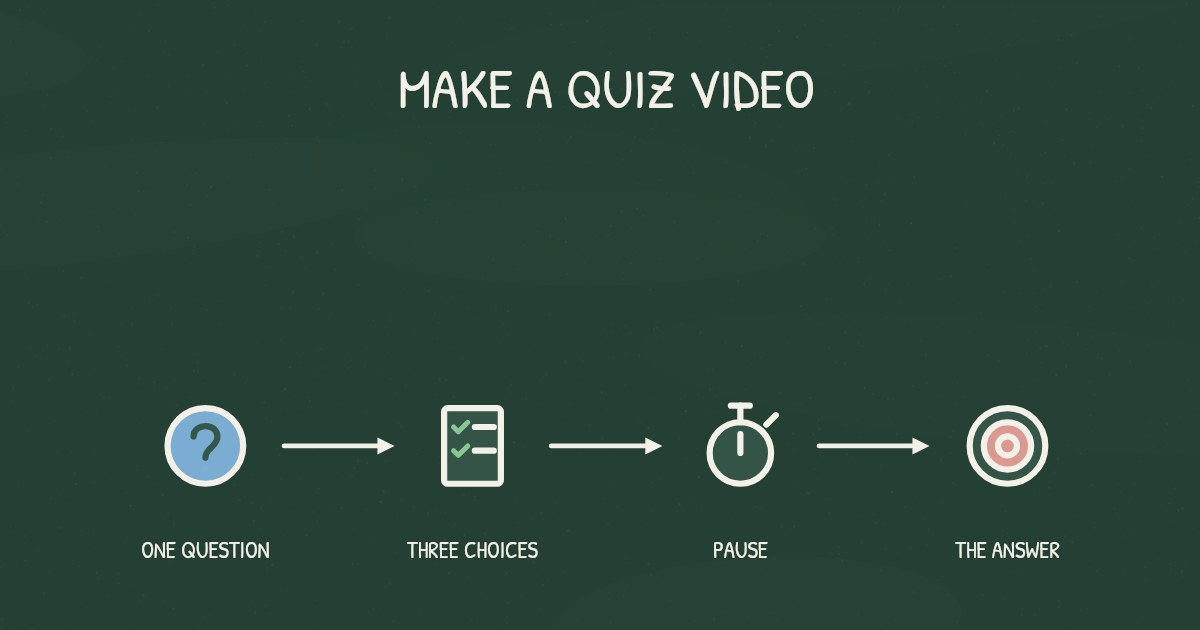
- End every video with one question about the objective, a pause, then the answer.
- In a longer series, put a short question between videos.
- Then check the result at work: fewer misrouted tickets, fewer mistakes on the form.
Step 7: How do you keep training videos up to date?
Training goes stale the moment a screen or a policy changes. Plan for it from the start:
- Keep videos short and modular, so a change touches one short video, not a 40-minute recording.
- Treat the script as the master copy. Update the script, then the video.
- Give each video an owner and a review date.
- Turn on captions. They help everyone follow along, and captions for prerecorded video are a Level A requirement in the Web Content Accessibility Guidelines.
How do you make training videos with Chasca?
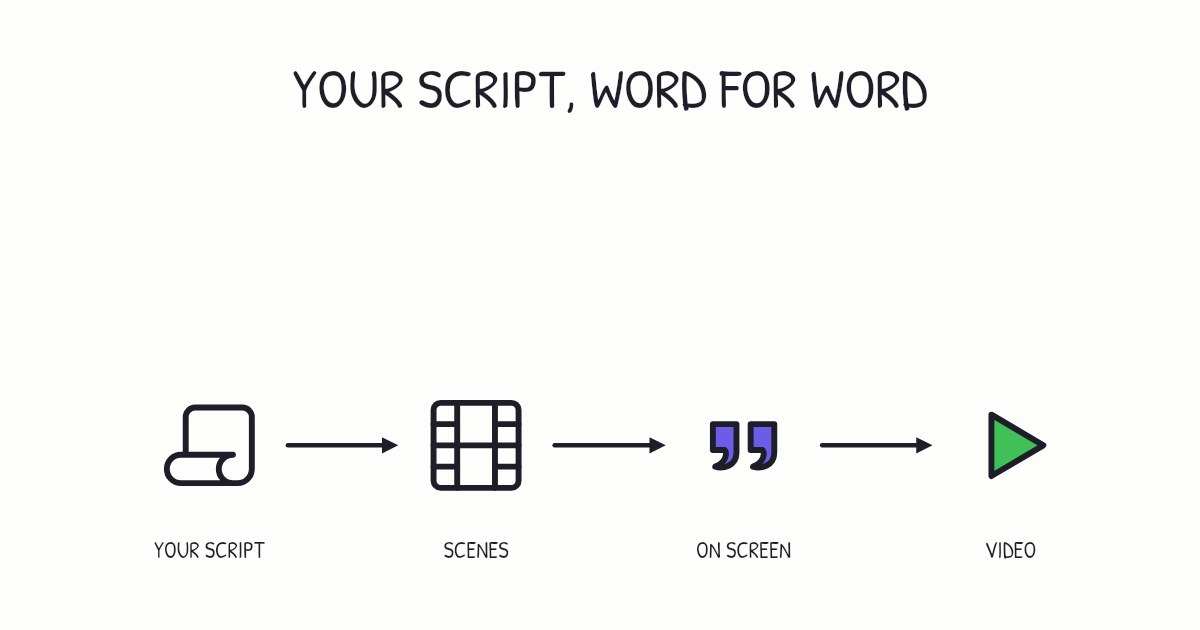
If the training already exists as a document, start from it. Upload the procedure as a Word document or a PDF, paste the link to a help article, or drop in the onboarding deck. Chasca writes the script, splits it into scenes and draws each one stroke by stroke in time with the narration, usually in about a minute.
When the process changes, make the video again from the updated document; it takes about a minute. The same video can be made in 79 languages (68 of them with a narrator voice), downloaded as an MP4 with subtitles or shared as a link. Custom branding with your logo, colors and fonts is on the Pro plan, and API and MCP access, for teams that want to create videos from their own systems, start on Plus.
A checklist before you publish
- One objective, written as a sentence with an action in it.
- Under six minutes, and a series if the topic is bigger.
- Every visual matches a line of narration, with nothing decorative.
- A question at the end, then the answer.
- Captions on.
- An owner and a review date.
Sources
- Brame, C. J. (2016). Effective educational videos: Principles and guidelines for maximizing student learning from video content. CBE Life Sciences Education, 15(4), es6.
- Guo, P. J., Kim, J., & Rubin, R. (2014). How video production affects student engagement: An empirical study of MOOC videos. Proceedings of the ACM Conference on Learning at Scale.
- Rey, G. D., Beege, M., Nebel, S., Wirzberger, M., Schmitt, T. H., & Schneider, S. (2019). A meta-analysis of the segmenting effect. Educational Psychology Review, 31, 389–419.
- Mayer, R. E. (2008). Applying the science of learning: Evidence-based principles for the design of multimedia instruction. American Psychologist, 63(8), 760–769.
- Szpunar, K. K., Khan, N. Y., & Schacter, D. L. (2013). Interpolated memory tests reduce mind wandering and improve learning of online lectures. Proceedings of the National Academy of Sciences, 110(16), 6313–6317.
- Roediger, H. L., & Karpicke, J. D. (2006). Test-enhanced learning: Taking memory tests improves long-term retention. Psychological Science, 17(3), 249–255.
- W3C. Understanding Success Criterion 1.2.2: Captions (Prerecorded). Web Content Accessibility Guidelines 2.2.
Video transcript What the narrator says in the 1:14 explainer above.
How do you make training videos that actually teach? Think of a labeled drawer: one task per drawer, easy to find. The answer: one objective, under six minutes, a script written for the ear, matching visuals, a quick check, and a plan for updates.
Start with what someone must do afterwards. For example: after watching, a new agent can route a billing dispute to the right queue. “Understand billing” isn't something you can check. That action tells you what to include, what to cut, and what to ask at the end.
A study of 6.9 million viewing sessions on edX found median engagement time was at most six minutes however long the video was. Give each task its own video, ideally one to three minutes long. Why give each task its own video? One task keeps training short and focused.
Questions people ask
Under six minutes, and one to three minutes for a single task. In 6.9 million viewing sessions on edX, median engagement was at most six minutes however long the video ran, and fewer viewers tried the follow-up question after longer videos. Split bigger topics into a series.
One clear objective, a short running time, a script written to be heard, visuals that show exactly what the narrator is saying, and a question at the end that makes viewers recall the answer.
Yes, even a single question helps. In a study of a recorded lecture split into four parts, students who took a short quiz after each part mind-wandered about half as often and scored 90% on the final test, against 68% for students who were not quizzed.
Keep them short and modular, treat the script as the master copy, and give each video an owner and a review date. In Chasca, when the process changes, you make the video again from the updated document in about a minute.