Explainer videos for teachers: a practical guide
How teachers use short explainer videos for flipped lessons, revision, absent students and multilingual families, how to make one, and why captions matter.
By the Chasca team 6 min read
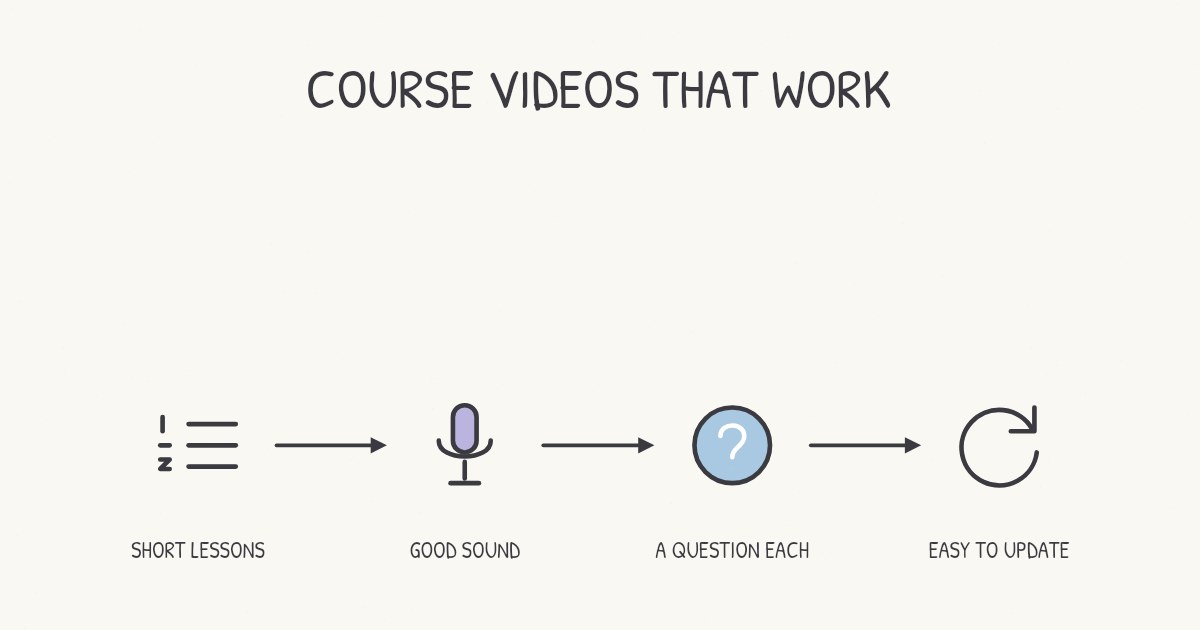
Teachers use short explainer videos to send the explanation home so class time goes on practice, to give students something to revise from, to help anyone who missed a lesson catch up, and to reach families in their own language. The videos that work best are short, explain one idea, have captions and end with a question. Here is how each use works, what the research says, and how to make your own.
Do explainer videos actually help students learn?
On average, yes, and most of all when they add to your teaching rather than replace it. A 2021 systematic review by Michael Noetel and colleagues pooled 105 randomized trials with 7,776 students in higher education. Swapping existing teaching for video led to small improvements in learning. Adding video to existing teaching led to strong learning benefits.
The style of the video matters too. In a 2023 experiment with 133 secondary school students, diagrams that were drawn progressively while the narrator explained them led to better recall and transfer than the same diagrams shown finished. We cover that and other findings in why whiteboard videos work.
How do teachers use explainer videos?
To flip a lesson
Students watch the explanation at home, and class time goes on practice, discussion and questions. A meta-analysis of 114 studies of flipped classrooms in secondary and postsecondary education found a small positive effect on learning, and two details made it bigger: results were better when class time wasn’t reduced, and when quizzes were added.
So don’t use the video to shorten the lesson. Use it to free the lesson for practice, and start class with a short quiz on what the video explained.
For revision
One short video per topic gives students something better to revise from than rereading their notes, especially when each video ends with a question they answer before the recap. Recalling an answer strengthens memory far more than reading it again: in Henry Roediger and Jeffrey Karpicke’s classic experiments, students who practiced recall remembered substantially more a week later than students who reread the passage.
For students who missed the lesson
Students who were absent can catch up on the core explanation at home instead of copying a friend’s notes, and you don’t have to teach the same lesson twice at lunchtime. Post the video where your class already looks, such as your learning platform or class page, next to the worksheet that goes with it.
For multilingual classes and families
A video in a family’s home language lets parents follow what their child is learning and help with homework. Keep the drawings the same in every language, so a student and a parent can watch side by side and point at the same picture. For students still learning the language of instruction, captions help: research on captions finds them particularly useful for people watching in a language that isn’t their first (more on that below).
How do you get students to do more than watch?
Watching a video can be as passive as reading a page. Cynthia Brame’s review of the research on educational video recommends building active learning around it: a guiding question to answer while watching, a question or two inside or right after the video, and a task that makes the video part of a larger assignment. In a classroom, that can be as simple as:
- Before: one guiding question on the board or the class page, such as “Watch for the one thing that changes when the ice melts.”
- During: a pause point. Short videos make natural ones, and a longer topic can be split into parts with a question between them.
- After: a task that uses the idea straight away, such as a worked problem, a sorting activity or two minutes explaining it to a partner.
How do you make a classroom explainer video?
- Pick the idea students struggle with most, the one you find yourself explaining three times.
- Write a short script: a hook, the idea through an everyday comparison, how it works, one example and a question. Our script template fits on one page.
- Keep it short. A few minutes is plenty for one idea. Stay under six, and split a big topic into parts; the research is in do short videos help people learn?
- Draw it as you explain it. Each picture should appear as you name it, not before.
- Record it and add captions. Check the captions for subject vocabulary and names.
- Watch it once as a student would, first with the sound off and then with it on.
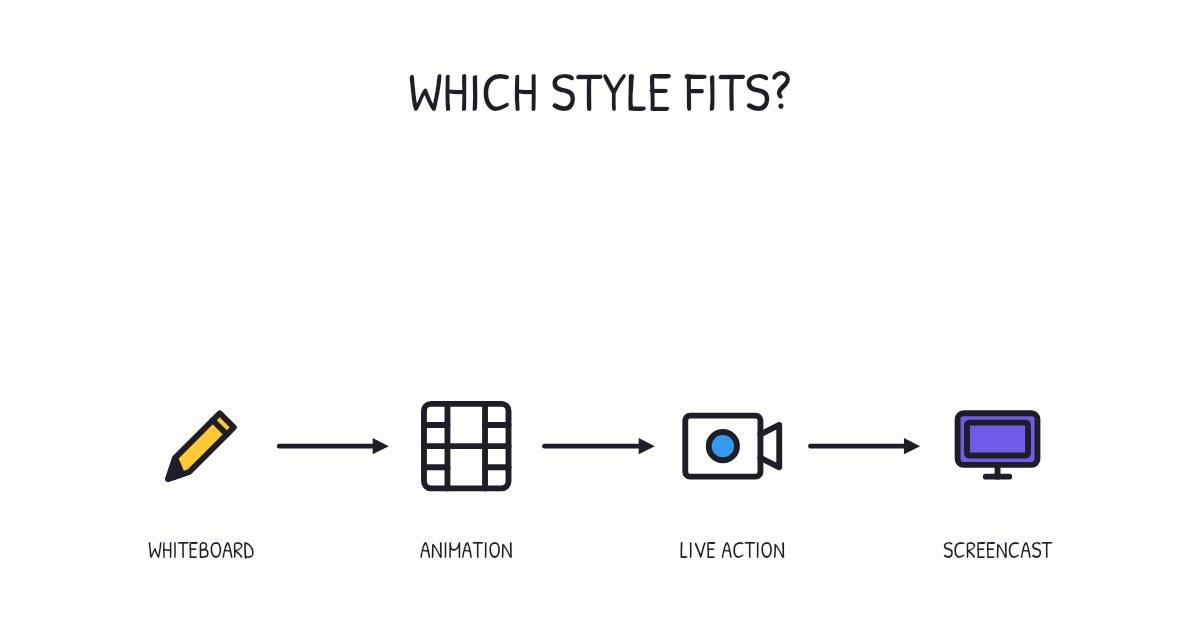
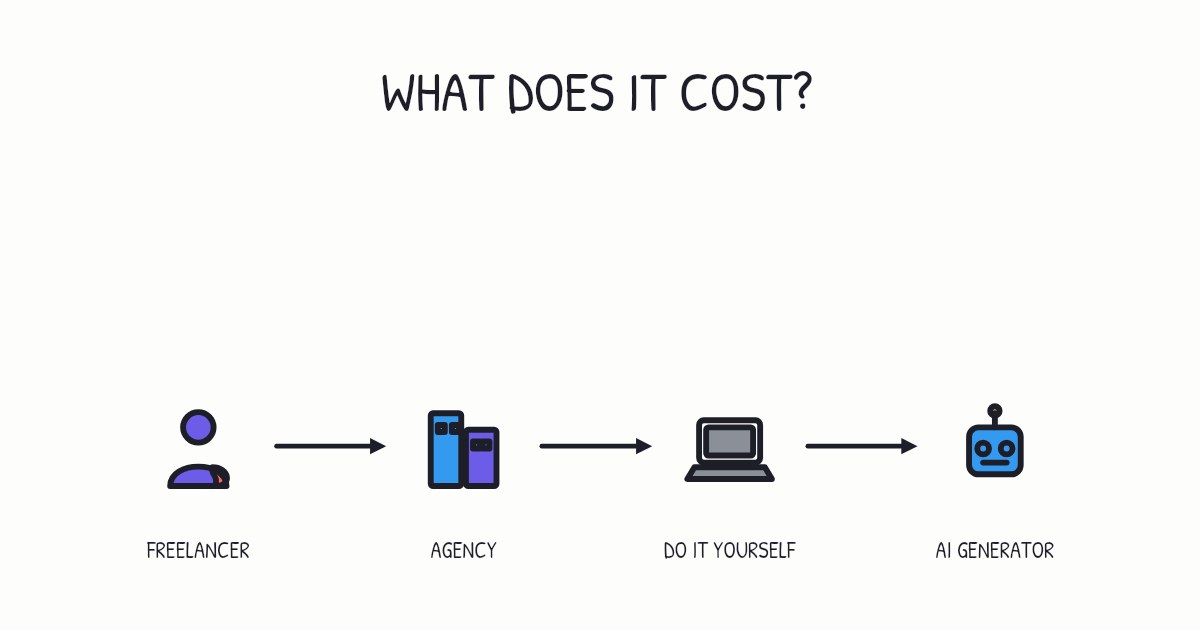
There are three common ways to make one:
| Route | What it takes | Best for |
|---|---|---|
| Film yourself at the board or under a document camera | A phone, a stand and a quiet room | Quick, personal videos for your own class |
| Record your slides with narration | Your deck, a microphone and some editing | Lessons you already teach from slides |
| An AI video generator | A topic or your lesson notes, and time to check the result | Many short videos, in several languages, that you can edit later |
For the slide route, our guide to turning a PowerPoint into a video has the steps.
Why should every classroom video have captions?
Because they help everyone, not only the students who need them. In a review that lists more than 100 empirical studies, psychologist Morton Ann Gernsbacher concluded that captions improve comprehension of, attention to and memory for video for children, adolescents, college students and adults. They are particularly helpful for viewers watching in a non-native language, for children and adults learning to read, and for people who are D/deaf or hard of hearing.
There is a compliance side too. In the Web Content Accessibility Guidelines, captions for prerecorded video are a Level A requirement, the most basic level. Good captions include who is speaking and any meaningful sounds, not only the words.
How do you make classroom explainers with Chasca?
Type a topic, or drop in your lesson notes as a PDF, Word document, PowerPoint deck or Markdown file, and Chasca writes the script, splits it into scenes and draws each one stroke by stroke in time with the narration, usually in about a minute. There are six drawing styles, including Crayon and Chalkboard, and 30 narrators. The same lesson can be made in 79 languages, 68 of them with a narrator voice, with animated captions.
For your class, turn on subtitles, switch to the Chalkboard style or add music, free, and every word stays as it was. Download the MP4 with subtitles, or share a link. Your first two videos are free, up to a minute each, watermarked and with no card required. Chasca for teachers has classroom ideas, and the examples page shows finished videos.
A quick checklist for your next video
- One idea, a few minutes, and never more than six.
- Each drawing appears as you name it.
- Captions on, and checked for subject vocabulary.
- A question at the end, a pause, then the answer.
- A class activity that uses what the video taught.
Sources
- Noetel, M., Griffith, S., Delaney, O., Sanders, T., Parker, P., del Pozo Cruz, B., & Lonsdale, C. (2021). Video improves learning in higher education: A systematic review. Review of Educational Research, 91(2), 204–236.
- Schneider, S., Krieglstein, F., Beege, M., & Rey, G. D. (2023). Successful learning with whiteboard animations: A question of their procedural character or narrative embedding? Heliyon.
- van Alten, D. C. D., Phielix, C., Janssen, J., & Kester, L. (2019). Effects of flipping the classroom on learning outcomes and satisfaction: A meta-analysis. Educational Research Review, 28, 100281.
- Roediger, H. L., & Karpicke, J. D. (2006). Test-enhanced learning: Taking memory tests improves long-term retention. Psychological Science, 17(3), 249–255.
- Brame, C. J. (2016). Effective educational videos: Principles and guidelines for maximizing student learning from video content. CBE Life Sciences Education, 15(4), es6.
- Gernsbacher, M. A. (2015). Video captions benefit everyone. Policy Insights from the Behavioral and Brain Sciences, 2(1), 195–202.
- W3C. Understanding Success Criterion 1.2.2: Captions (Prerecorded). Web Content Accessibility Guidelines 2.2.
Video transcript What the narrator says in the 1:25 explainer above.
Can a short video really help students learn? Picture a recipe card beside a cook. It guides the next step, but it can't do the cooking. Yes, video helps, especially when it adds to a teacher's lesson instead of replacing it. Students still need time to practice.
A 2021 review by Michael Noetel and colleagues combined 105 randomized trials with 7,776 students in higher education. Replacing existing teaching with video brought small improvements. Adding video to existing teaching brought strong learning benefits. Like the recipe card, video helps most alongside the work, not in its place.
How the picture appears matters too. A 2023 experiment with 133 secondary school students found better recall and transfer when diagrams were drawn as the narrator explained them, rather than shown finished. Keep that clear explanation beside teaching and practice. Why add video instead of replacing teaching? Adding video to teaching brings stronger learning benefits.
Questions people ask
To flip a lesson (the explanation at home, the practice in class), for revision before a test, to help students who missed a lesson catch up, and to share lessons with families in their own language.
On average, yes. A 2021 review of 105 randomized trials in higher education found that adding video to existing teaching led to strong learning benefits, while replacing teaching with video led to small improvements. Use videos to add to your lessons, not to replace them.
Yes. More than 100 studies show that captions improve comprehension of, attention to and memory for video, especially for students watching in a second language, children learning to read and students who are deaf or hard of hearing. Captions for prerecorded video are also a Level A requirement in the Web Content Accessibility Guidelines.
A few minutes, and under six. Attention drops off in longer videos, so split a big topic into short parts that each end with a question.
Yes. You can record yourself with free tools, and in Chasca your first two videos are free, up to a minute each, watermarked and with no card required.