The best VideoScribe alternatives in 2026, including AI that makes the whole video
For AI that makes the whole video: Chasca, Golpo, StrokeVideo or Explainimate. To keep building scenes: Doodly, Animaker, Powtoon or Vyond.
By the Chasca team 9 min read
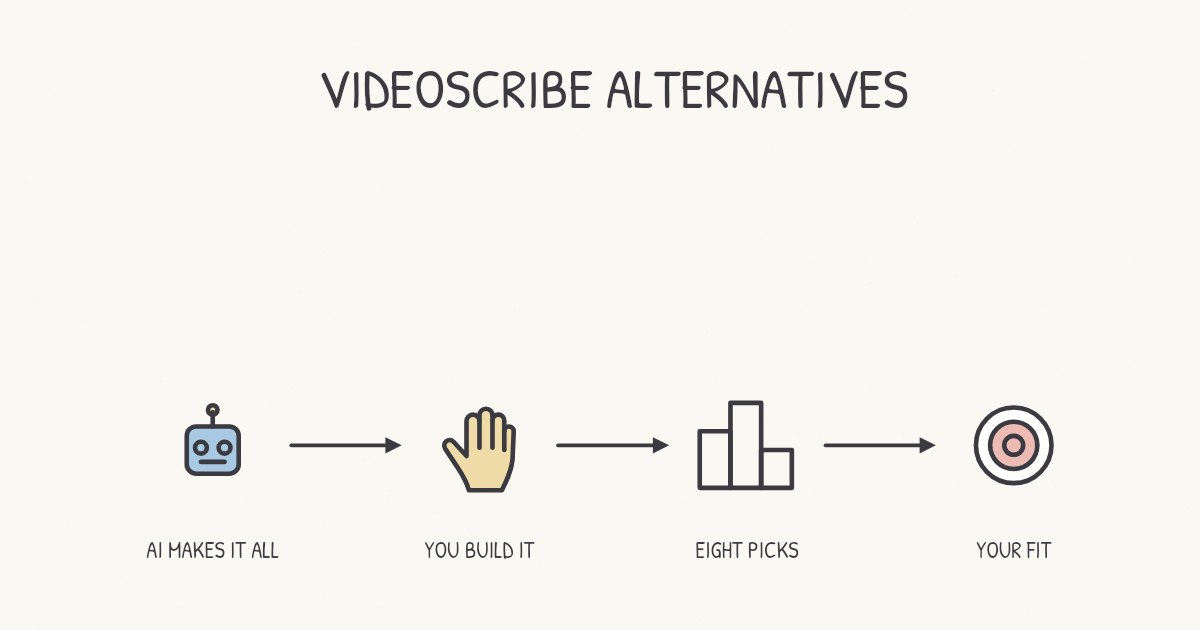
The best VideoScribe alternative depends on whether you still want to build each scene yourself. To have AI make the whole video, we’d pick Chasca, which we make, for lessons with math, videos up to 30 minutes and narration in your own voice. Golpo lets you re-prompt single frames of a finished video, StrokeVideo gives you a free video every day, and Explainimate lets you approve the script and scene plan before it draws. To keep building scenes, Doodly works most like VideoScribe, Animaker and Powtoon add an AI first draft you then edit, and Vyond is the one for animated characters.
How did we choose and check these tools?
- What’s included: whiteboard video tools with published prices, both AI generators that make the whole narrated video and software where you build each scene.
- How we checked: we read each tool’s own pages between 2 and 4 November 2026, and each section names them and the day. Where a page is silent, or two of a vendor’s pages disagree, we say so. Prices change, so check before you buy.
- Our bias: we make Chasca. We say where another tool is the better choice, and every claim about another tool links to its own pages.
- Not included: avatar tools, general video editors, and tools we haven’t checked yet.
What is VideoScribe good at, and when should you stay with it?
VideoScribe is whiteboard animation software: you build each scene on a canvas, placing every image, line of text and timing yourself. Its AI tools draft images and scripts on every plan, and voiceovers on Core and Max, but you still assemble the video. Stay with it if:
- You enjoy the craft: choosing exactly what’s drawn, where it sits and when it appears.
- You record your own voiceover: you can record it in the app and time each scene to it.
- Its limits fit your work. Billed yearly in the US, Lite is $150 a year (5 downloads a month, videos up to 5 minutes), Core $255 (30 downloads, 10 minutes) and Max $320 (unlimited downloads, 20 minutes). Lite costs less than the entry plans of Doodly, Animaker, Powtoon (its Education plan aside) and Vyond.
More in VideoScribe vs Chasca.
Sources: VideoScribe’s pricing, AI generation and voiceover help pages, checked 2 November 2026.
VideoScribe and eight alternatives at a glance
| Tool | AI makes the whole video | Best for | Longest video (by plan) | Paid plans from |
|---|---|---|---|---|
| VideoScribe | No: AI makes parts | Building it yourself | 5 to 20 minutes | $12.50 a month, billed yearly |
| Chasca | Yes | Math, long lessons, your voice | 30 minutes | $9.99 a month (30 minutes) |
| Golpo | Yes | Re-prompting frames | 2 to 10 minutes | $39.99 a month (20 minutes, black and white) |
| StrokeVideo | Yes | A free video every day | 15 minutes | $19.9 a month (40 minutes), by region |
| Explainimate | Yes, after you approve the plan | Steering the plan and hand | 5 minutes | $9.90 a month (about 2 minutes) |
| Doodly | No | Drag-and-drop on the desktop | Not published | $49 a month, or $490 a year |
| Animaker | A draft you edit | Characters and templates | 15 to 45 minutes | $25 a month, billed yearly |
| Powtoon | A draft from a document | Starting from documents | 10 to 30 minutes | $15 a month, billed yearly |
| Vyond | A draft with Vyond Go | Animated characters | 25 to 90 minutes | $58 a month, billed yearly |
AI tools that make the whole video
These make the script, drawings and narration for you. The best AI whiteboard animation generators compares more of them.
Chasca: best for math, long lessons and your own voice
Chasca turns a prompt, your own script, a PDF, Word file or slide deck, an article link or a recording into a narrated whiteboard video. It writes the script, or speaks yours word for word, then draws every scene stroke by stroke in time with the narration, usually in under a minute for a one-minute video.
- Good for: the classic hand-drawn look without building it, with a drawing hand on every plan. Equations are written line by line in math notation, and graphs, tables, geometry, flowcharts and code are drawn exactly (diagrams). Paid plans make videos up to 30 minutes, in chapters past six minutes. Narrate with 30 narrators in 79 languages, a custom voice of your own on every plan (custom voices) or your own recording (your voiceover).
- Watch out for: you can’t place a drawing or retime a scene by hand, and a finished video changes one thing at a time: subtitles, style, music or logo for free, while a new voice or format makes a new video. Billing is monthly, and there are no avatars, characters or footage.
- Price: two free videos up to 1 minute each, watermarked, with no card; then from $9.99 a month (Solo, 30 minutes) to $499.99 (Team, 2,000 minutes) (pricing).
Golpo: best for re-prompting frames of a finished video
Golpo also turns a prompt or a document into a narrated whiteboard video, and lets you edit it frame by frame with a prompt: one edit is free, then each is charged.
- Good for: fixing one frame without remaking the video; yearly discounts (up to 50% on its pricing page, less in its guide); or pay-as-you-go minutes at $7.99 to $3.99.
- Watch out for: videos run 2 minutes on Starter and Creator and up to 10 on higher plans, longer as $200 add-ons. Color starts on Growth ($199.99), voice cloning on Business ($499.99), and the free video can’t be downloaded.
- Price: from $39.99 a month for 20 minutes in black and white. More in Golpo vs Chasca.
Sources: Golpo’s pricing and editing guide, checked 2 November 2026.
StrokeVideo: best for a free video every day
StrokeVideo turns a topic or a script into a whiteboard video, generating each board as one illustration in one of 23 styles and tracing it stroke by stroke.
- Good for: trying ideas. Every account gets one free video a day, up to 2 minutes, with no watermark but a 2-second StrokeVideo card. Paid plans make videos up to 15 minutes, can use your own recording, and their minutes never expire.
- Watch out for: 15 narration languages, no mention of voice cloning, and an education page that advises keeping formulas short.
- Price: set by region; in India, $19.9 a month for 40 minutes or $99.9 a year for 500. More in StrokeVideo vs Chasca.
Sources: StrokeVideo’s pricing, home and education pages, checked 2 and 3 November 2026.
Explainimate: best for approving the plan before it draws
Explainimate makes the whole video with AI, “from the script to the last stroke”: you approve the script and scene plan for free, it draws, and you can then edit single elements.
- Good for: steering the result, with your own script or a topic, a hand of your choice (even “a photo of your own hand”) and styles such as chalkboard and bold marker.
- Watch out for: a 5-minute limit; “PDF, slides and photos are not read”; 9 narration languages and no own recording yet; and a math template that makes silent videos without LaTeX. Until you pay, exports carry a small watermark, and free-credit videos are non-commercial.
- Price: free scripts every day and some free drawing credits; then from $9.90 a month for about 2 minutes to $39.90 for about 12.
Sources: Explainimate’s whiteboard, pricing, home, lesson plan and math pages, checked 4 November 2026.
Tools where you build the scenes
Like VideoScribe, each gives you an editor for every scene; Animaker, Powtoon and Vyond can draft one with AI first.
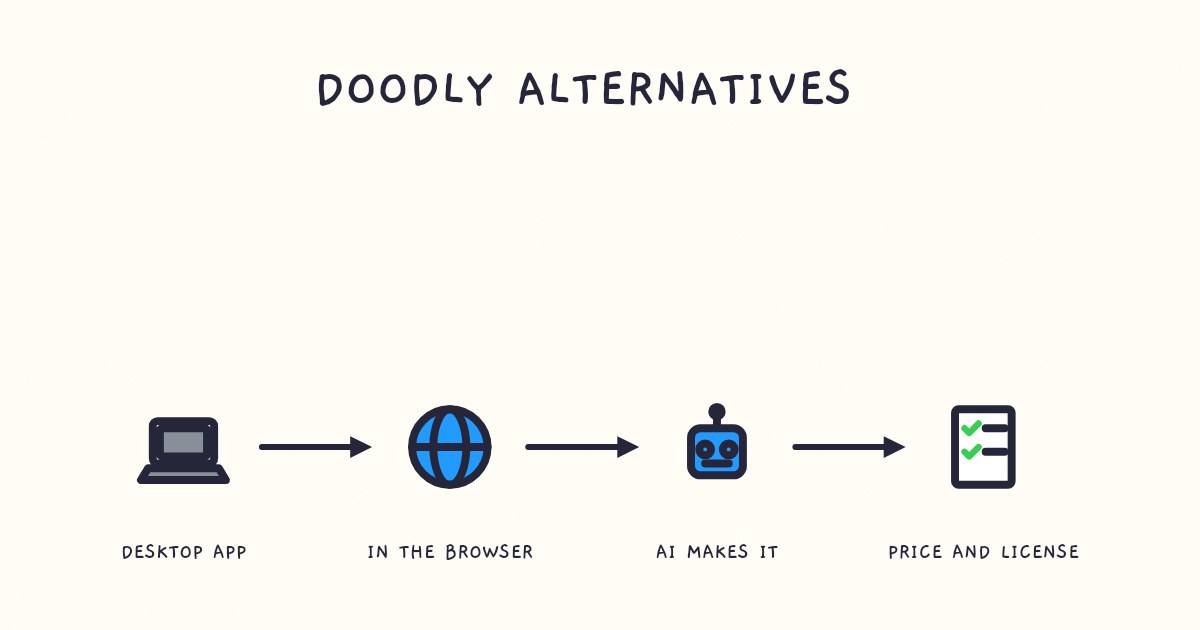
Doodly: best for drag-and-drop scenes on the desktop
Doodly is a desktop app for Windows and Mac: you drag drawings, characters and text onto each scene, add a voiceover you record or import, and set the timing.
- Good for: building by hand, with a bundle: Toonly, Talkia, People Builder, Pyks and Voomly come with both plans, and no length limit is published.
- Watch out for: its pages mention no AI features, it needs an internet connection, and it costs more a year than any VideoScribe plan.
- Price: a 14-day free trial and a 30-day money-back guarantee; then Standard $49 a month or $490 a year, or Enterprise $79 or $790. More in Doodly vs Chasca.
Sources: Doodly’s pricing and home pages and voiceover guide, checked 2 November 2026.
Animaker: best for characters and templates
Animaker’s whiteboard maker can start from a prompt: answer the AI’s questions and it generates “scenes, characters, voiceover, lip sync, and transitions” that you change in Advanced Edit. Templates and slide decks work too.
- Good for: a doodle style with a character builder, videos up to 15, 30 or 45 minutes by plan, and your own voiceover, recorded or uploaded.
- Watch out for: commercial rights start on Pro, downloads are capped at 10, 30 and 50 a month, and a drawing hand isn’t mentioned.
- Price: a free plan with 3 watermarked downloads a month; then from $45 a month, or $25 billed yearly (Starter), to $139 or $79 (Max). Its FAQ still names an unlisted $15 Basic plan.
Sources: Animaker’s whiteboard, pricing and features pages, checked 4 November 2026.
Powtoon: best for starting from your documents
Powtoon is a studio editor with “AI Anything-to-Video”: upload a PDF, Word file or slide deck, and its AI writes a script and builds a draft for you to edit. Its whiteboard tools “simulate the whiteboard drawing effect automatically”.
- Good for: commercial use on every paid plan, videos up to 10, 20 or 30 minutes by plan, and an Education plan at $8 a month billed yearly (watermarked).
- Watch out for: Free makes watermarked 720p videos up to 3 minutes, with no AI credits or MP4 download. Lite removes the watermark on only 5 exports a month, and AI features spend credits.
- Price: billed yearly, Lite $15 a month, Professional $40 and Advanced $125; billed monthly, $49, $99 and $199.
Sources: Powtoon’s pricing, whiteboard and doc to video pages, checked 4 November 2026.
Vyond: best for animated characters at work
Vyond is a character animation studio for workplace training. Its FAQ lists whiteboard animation among its styles, and Vyond Go drafts a video from a prompt, a document or a web page for you to edit.
- Good for: characters acting out scenarios, 1,300+ avatars, videos of 25 to 90 minutes by plan, and translation into 95 languages from Professional.
- Watch out for: the price, and voice cloning only on Enterprise and Agency.
- Price: Starter $99 a month or $58 billed yearly; Professional $199 or $100. More in Vyond vs Chasca.
Sources: Vyond’s pricing, FAQ and Vyond Go pages, checked 2 and 3 November 2026.
Which one should you pick?
- Want to place every drawing yourself? Stay with VideoScribe, or try Doodly. For an AI draft that you then edit, Animaker or Powtoon.
- Want AI to make the whole video? Give two or three of Chasca, Golpo, StrokeVideo and Explainimate the same prompt, and compare.
- Longer than 5 minutes? Explainimate stops at 5, Golpo’s app at 10 without add-ons, StrokeVideo at 15, VideoScribe at 20 and Chasca at 30; Animaker and Vyond go longer on their top plans.
- Your own voice? Most take your own recording (Golpo from Business; Explainimate not yet), and Chasca includes a custom voice on every plan.
- Math? Check every symbol before you publish, whichever tool you use.
- Characters who act? Vyond or Animaker. Chasca doesn’t make them.
Questions people ask
Chasca, Golpo, StrokeVideo and Explainimate all write the script, draw every scene and narrate it, whereas VideoScribe's AI makes parts (images, scripts and, on Core and Max, voiceovers) that you arrange yourself. Chasca, which we make, suits lessons with math, videos up to 30 minutes and narration in your own voice.
It depends on the job: Chasca for math, long lessons and your own voice, StrokeVideo for a free video every day, Golpo for re-prompting single frames, and Explainimate for approving the script and scene plan before it draws. If you'd rather build each scene yourself, VideoScribe and Doodly are the classic whiteboard software.
Not without limits. StrokeVideo makes one free video a day of up to 2 minutes with no watermark, Chasca's first two videos are free (up to a minute each, watermarked), and Animaker's free plan allows 3 watermarked downloads a month with no commercial rights. VideoScribe itself offers a 7-day trial with watermarked videos.
Doodly. It's also whiteboard software where you drag drawings, characters and text onto each scene and set the timing yourself, in a desktop app for Windows or Mac, and its pages mention no AI features. If you want AI to draft a whole first version that you then edit, try Animaker or Powtoon.