Doodly vs Chasca: build each scene, or start from your document
Doodly is a desktop app where you build whiteboard scenes by hand. Chasca makes the whole narrated whiteboard video from a prompt or a document.
By the Chasca team 3 min read
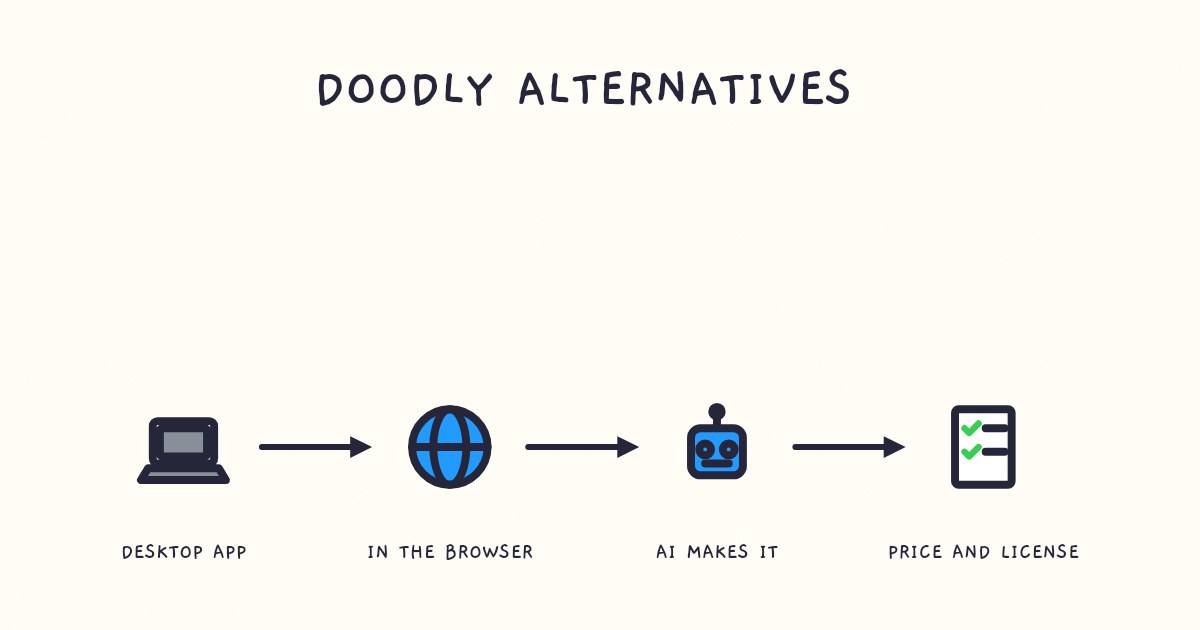
Doodly is a desktop app for building whiteboard videos by hand: you drag images, characters and text onto each scene, add your audio and set the timing. Chasca is a web app that makes the whole video: give it a prompt, a document or a recording, and it writes, draws and narrates a finished whiteboard video. Choose Doodly if you like building scenes yourself and want its bundle of sister apps. Choose Chasca if you’d rather start from material you already have and change the result one thing at a time.
We make Chasca, so weigh this accordingly. Every claim about Doodly links to Doodly’s own pages, which we checked on 2 November 2026.
How do Doodly and Chasca compare?
| Doodly | Chasca | |
|---|---|---|
| How a video gets made | In a desktop app for Windows or Mac: drag drawings, characters and text onto each scene and set the timing | In a web browser: a prompt, a document or a recording becomes a finished, narrated video |
| AI | None mentioned on its pages | Writes the script, storyboards every scene, draws it and narrates it |
| Narration | Record it in the app or import an MP3; Talkia comes in the bundle | 30 narrators in 79 languages, a custom voice of your own, or your recording |
| Video length | No limit published | 30 seconds to 30 minutes on paid plans, up to 1 minute on Free |
| Export | 360p to 1080p | 1080p MP4 in 16:9, 9:16 or 1:1, with SRT and VTT subtitles |
| Price | Standard $49 a month or $490 a year; Enterprise $79 a month or $790 a year | $9.99 to $99.99 a month from Solo to Max, $499.99 for Team |
| Included | Toonly, Talkia, People Builder, Pyks and Voomly | Custom voices on every plan, branding from Pro, the API from Plus |
| Free to try | A 14-day free trial and a 30-day money-back guarantee | Two videos up to 1 minute each, watermarked |
Doodly’s figures come from its pricing page and home page; Chasca’s from our pricing page.
What does Doodly do well?
- Scene-by-scene control. You choose every drawing, character and line of text, and exactly when each one appears.
- A bundle of tools. Both plans include Doodly’s sister apps, Toonly, Talkia, People Builder and Pyks, plus the Voomly video platform.
- Your own voiceover. Doodly’s support guide shows how to record a voiceover in the app or import an MP3, and it has a library of music tracks.
- Low risk to try. A 14-day free trial, and a 30-day money-back guarantee after you buy.
What does Chasca do differently?
- It starts from what you already have. A prompt, a PDF, a Word file, a slide deck, an article link or a recording becomes a narrated video, with no timeline to build (PDF to video).
- The narration comes with it. Pick one of 30 narrators who each speak all 79 languages, narrate in your own voice from about a minute of reading, or attach your own recording and tick Use as the narration.
- Math, written properly. Equations are written in math notation line by line, graphs are plotted from their functions, and Arabic equations run right to left (Arabic math lessons).
- Vertical and square too. Make the same kind of video for YouTube, Reels or LinkedIn, with subtitle files for every one.
- Free changes. Switch the subtitles, the drawing style, the music or the logo on a finished video for free; a new voice or format makes a new video.
What you give up: Chasca doesn’t let you drag a drawing into place or retime a scene by hand. If that control is what you enjoy, Doodly or VideoScribe will suit you better.
Which should you choose?
| If you… | Choose |
|---|---|
| Like building every scene by hand, on your own computer | Doodly |
| Also want cartoon and character tools in the same bundle | Doodly |
| Want a finished video from a document or a prompt | Chasca |
| Need narration in many languages, or in your own voice, without recording each one | Chasca |
| Teach math, or teach in Arabic | Chasca |
| Publish vertical and square videos as well as landscape | Chasca |
Sources
- Doodly. Pricing. Accessed 2 November 2026.
- Doodly. Home page. Accessed 2 November 2026.
- Voomly Support. Doodly: voiceover and sound. Accessed 2 November 2026.
- Chasca. Pricing and features.
Video transcript What the narrator says in the 0:56 explainer above.
Choose Doodly to build each scene yourself, or Chasca to turn your material into a finished video. Think of assembling a photo album yourself versus handing over photos for someone else to assemble. We make Chasca, so weigh our comparison accordingly.
Doodly runs on Windows or Mac. Drag drawings, characters and text into each scene, set their timing, then record audio or import an MP3. Both plans include Toonly, Talkia, People Builder and Pyks, plus Voomly. There's a 14-day free trial.
Chasca takes a prompt, document or recording in your browser, then writes, draws and narrates the video. Changes to subtitles, drawing style, music or logo are free, but you can't move drawings or retime scenes by hand. How do their methods differ? Doodly builds by hand; Chasca creates from your material.
Questions people ask
Not on its pricing page on 2 November 2026. Doodly Standard cost $49 a month or $490 a year, and Enterprise $79 a month or $790 a year. Both include Toonly, Talkia, People Builder, Pyks and Voomly.
Doodly's home and pricing pages don't mention AI features. You build each scene yourself from its library and your own images, then add a voiceover you record in the app or import.
If you want to keep building scenes by hand, VideoScribe is the closest alternative. If you'd rather not build scenes at all, an AI whiteboard video generator such as Chasca makes the whole narrated video from a prompt or a document.
Yes. Doodly's pricing page lists Windows 7 or later and Mac OS X 10.10 or later, with an internet connection. Chasca runs in a web browser, so it works on any computer.