NotebookLM video overviews vs Chasca: which should you use?
NotebookLM, now Gemini Notebook, makes free video overviews of your sources. Chasca makes videos to publish: your voice and logo, up to 30 minutes.
By the Chasca team 4 min read
Gemini Notebook, the new name for NotebookLM, is the better choice when you want to understand your own sources: its video overviews are free. Chasca is the better choice when other people will watch the video: it narrates in your own voice, adds your logo, makes landscape, vertical or square videos up to 30 minutes long, and writes equations in math notation.
We make Chasca, so weigh this accordingly. What we say about Gemini Notebook comes from Google’s own announcement and help pages, which we checked on 2 November 2026.
What is a NotebookLM video overview?
Google renamed NotebookLM to Gemini Notebook on 16 July 2026. Its video overviews turn the sources in a notebook into a narrated video. According to Google’s help page:
- Formats: Explainer, Short (videos of about 60 seconds) and Cinematic. Cinematic is in English only and for users aged 18 and over.
- Styles: Classic, Whiteboard, Watercolor, Retro Print, Heritage, Paper-craft, Kawaii, Anime or a custom style. Choosing a style is for users aged 18 and over.
- Control: you can pick the format, the language and the style, and type what the video should focus on. A review step before the video renders is only for Google AI Ultra subscribers.
- Time: making a video can take “more than 30 minutes”, and Google notes that videos “may contain inaccuracies or audio glitches”.
- Download: yes, from most notebooks.
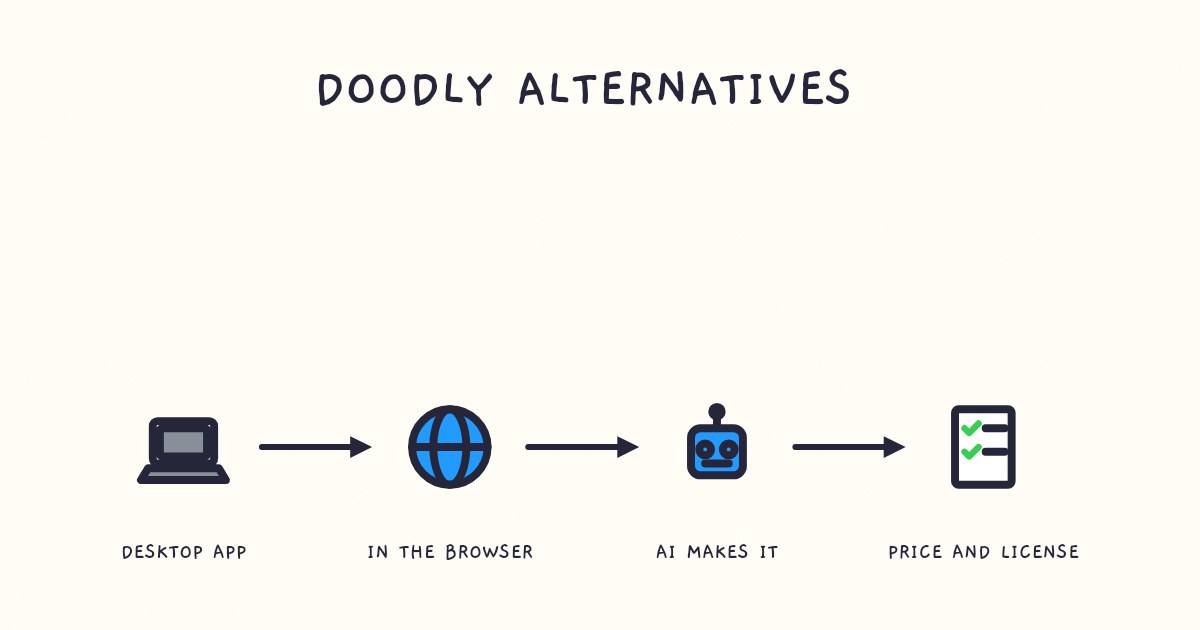
How do Gemini Notebook and Chasca compare?
| Gemini Notebook video overviews | Chasca | |
|---|---|---|
| Price | Free within usage limits; Google AI plans raise them | Two free videos up to 1 minute each, watermarked; plans from $9.99 a month |
| What it starts from | The sources in your notebook | A prompt, a PDF, Word file or slide deck, an article link, or a recording |
| The script | Written for you; you steer its focus | Written for you from your material, or your own recording kept word for word |
| The voice | Chosen by Google | 30 narrators, a custom voice of your own, or your recording |
| Your logo and colors | Not offered | Logo, colors, font and a credit line, from Pro |
| Formats | Explainer, Short (about 60 seconds) and Cinematic | Landscape 16:9, vertical 9:16 or square 1:1 |
| Length | Not published, except about 60 seconds for Short | 30 seconds to 30 minutes, told in chapters past six minutes |
| Languages | 80 language options for Explainer; Cinematic in English only | 79 languages |
| Equations | Not mentioned on Google’s pages | Written in math notation line by line; graphs plotted from their functions; right to left in Arabic |
| Subtitles | Not mentioned on Google’s pages | On-screen captions in six styles, plus SRT and VTT files |
| Time to make one | Sometimes more than 30 minutes | Usually under a minute for a one-minute video |
The limits on Gemini Notebook come from Google’s usage limits page.
When is Gemini Notebook enough?
- You’re studying. A quick visual summary of your own readings, for you, is exactly what video overviews are for, and they cost nothing.
- Your sources are already in a notebook. The video draws on everything you’ve added, and you can ask questions about the same sources in the chat.
- Nobody needs your voice or your brand on it.
When do you need Chasca instead?
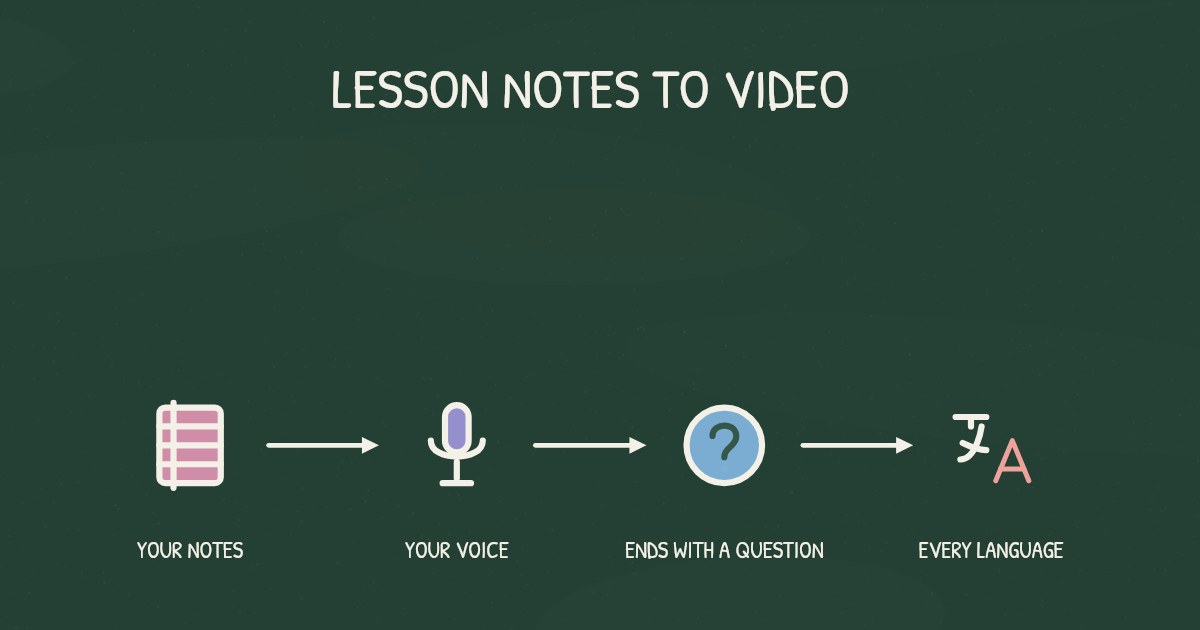
- The video goes out under your name. Narrate in your own voice from about a minute of reading (custom voices), or attach your own recording and tick Use as the narration. Pro and higher plans add your logo, colors, font and a credit line to every scene (branding).
- Length and shape matter. Make a 30-second vertical video for Reels or a 30-minute lesson in chapters, from the same kind of material.
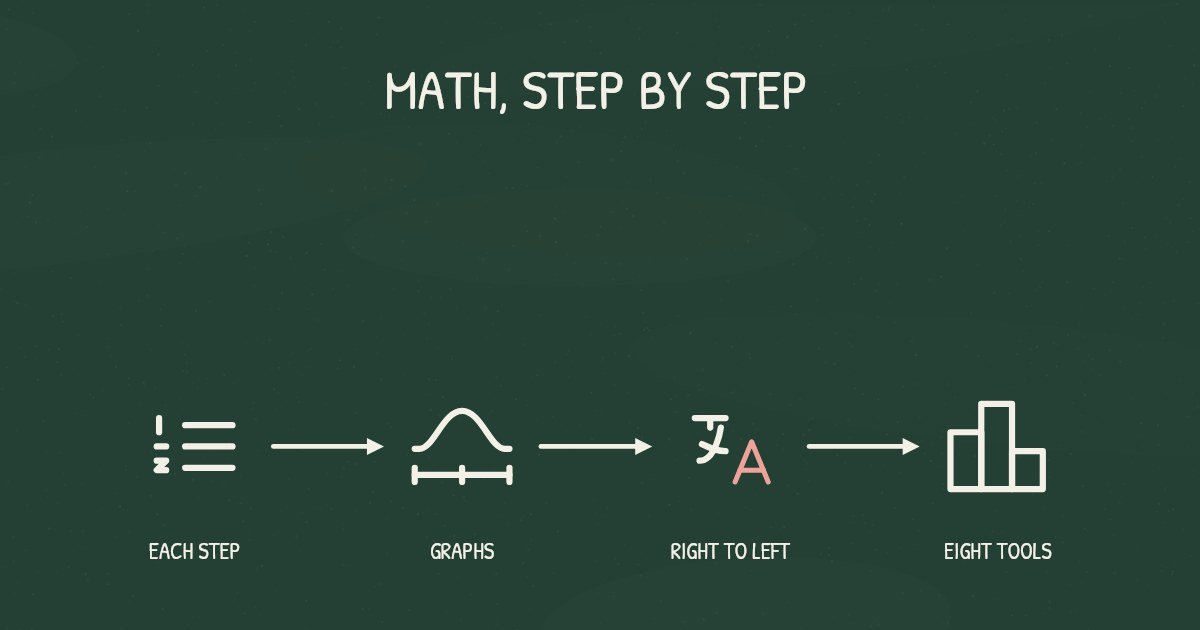
- The lesson has math in it. Chasca writes equations in math notation as the narrator explains them, plots graphs from their functions, and writes Arabic equations right to left (Arabic math lessons). Check the math before you publish, as with any AI tool.
- You need subtitles. Every video can show on-screen captions in one of six styles, and you can download SRT and VTT files for an LMS or YouTube.
- You want to change it. Switch the subtitles, the drawing style, the music or the logo for free; a new voice or format makes a new video from the same script.
Can you use both?
Yes, and it’s a sensible way to work: study a topic in Gemini Notebook, then make the video for your class or channel in Chasca from the same PDF or notes. If you’ve downloaded an Audio Overview you like, attach it on Chasca’s Create page and tick Use as the narration. Chasca keeps every word and draws the board in time with it, for up to 1 minute on Free and 30 minutes on paid plans (how voiceover works; step by step).
Sources
- Google. NotebookLM is now Gemini Notebook, 16 July 2026. Accessed 2 November 2026.
- Google. Gemini Notebook Help: create video overviews. Accessed 2 November 2026.
- Google. Gemini Notebook Help: usage limits. Accessed 2 November 2026.
- Chasca. Pricing, custom voices and your voiceover.
Video transcript What the narrator says in the 1:04 explainer above.
For understanding your own sources, choose Gemini Notebook; for videos others will watch, choose Chasca. Think private study notes versus presenting to a class. NotebookLM became Gemini Notebook on 16 July 2026. Its video overviews are free within usage limits. We make Chasca.
Gemini Notebook turns notebook sources into narrated videos: Explainer, Short (about 60 seconds) or Cinematic. You can steer language, style and focus. Chasca starts from a prompt or your material, offers your voice, adds your logo from Pro, and makes vertical or square videos up to 30 minutes.
For studying, Gemini Notebook is enough. For a class or channel, Chasca adds math notation and captions; check math before publishing. You can use both: study in Gemini Notebook, then publish from the same PDF or notes in Chasca. What decides which tool fits? Choose Gemini Notebook for studying; Chasca for publishing.
Questions people ask
Yes, within limits. Gemini Notebook, the new name for NotebookLM since July 2026, makes video overviews for free within usage limits that refresh every five hours, up to a weekly cap. Google AI Plus, Pro and Ultra plans raise those limits.
Yes. Google's help page says you can download a video overview, except from some notebooks whose sources come from Google Play Books.
Not according to Google's help page, which lets you choose the format, language, style and focus, but not the voice or the script. Chasca narrates in your own custom voice on every plan, made from about a minute of reading, or uses your own recording as the narration.
Google publishes a length only for the Short format, about 60 seconds. Chasca makes videos from 30 seconds to 30 minutes on paid plans, and up to 1 minute on Free.