How to turn a blog post into a video
Pick a post worth watching, cut it to its answer and a few points, script it for the ear, show each point, add captions, then publish where it gets found.
By the Chasca team 6 min read
To turn a blog post into a video, pick a post worth watching, cut it down to its main answer and three or four key points, rewrite those as a script for the ear, show each point as a picture, add captions, then publish the video on the post and on the platforms your readers use. A 1,500-word article usually becomes a video of one to two minutes. You can film yourself, use a slideshow tool, or let an AI tool read the post and turn it into a narrated, drawn explainer. Here are the steps, and the three ways to make the video itself.
Which posts are worth turning into videos?
Not every post. Start with the ones that pass at least two of these tests:
- They explain how or why something works. A picture built step by step shows a mechanism better than paragraphs do, which is why whiteboard videos work.
- People already read them. Your most-visited posts give a video an audience on day one.
- They won’t date. Evergreen guides keep paying back the time; last week’s news doesn’t.
- They have a clear sequence. Steps, stages and lists map neatly onto scenes.
Opinion pieces are the exception. Their value is the writer’s voice, so if you turn one into a video, film the writer.
Step 1: Cut the post down to one idea
A video is not the post read aloud. Finish this sentence first:
After watching, the viewer will know ______.
Then keep the main answer and the three or four points that support it, and leave everything else in the article, one click away. People can only take in a few new ideas at once, so a video that tries to cover all twelve sections of a long post usually teaches none of them. Our guide to explaining a complex topic simply explains why.
Step 2: Rewrite it for the ear
A post is read at the reader’s pace. A script is heard once, at the speaker’s.
- Lead with the answer. The first ten seconds should say what the video will give the viewer.
- Use short sentences, one thought each, and everyday words.
- Round the numbers, unless the exact figure is the point.
- Budget about 150 words a minute. A one-minute video is about 150 words and a two-minute one about 300: a tenth or a fifth of a 1,500-word post.
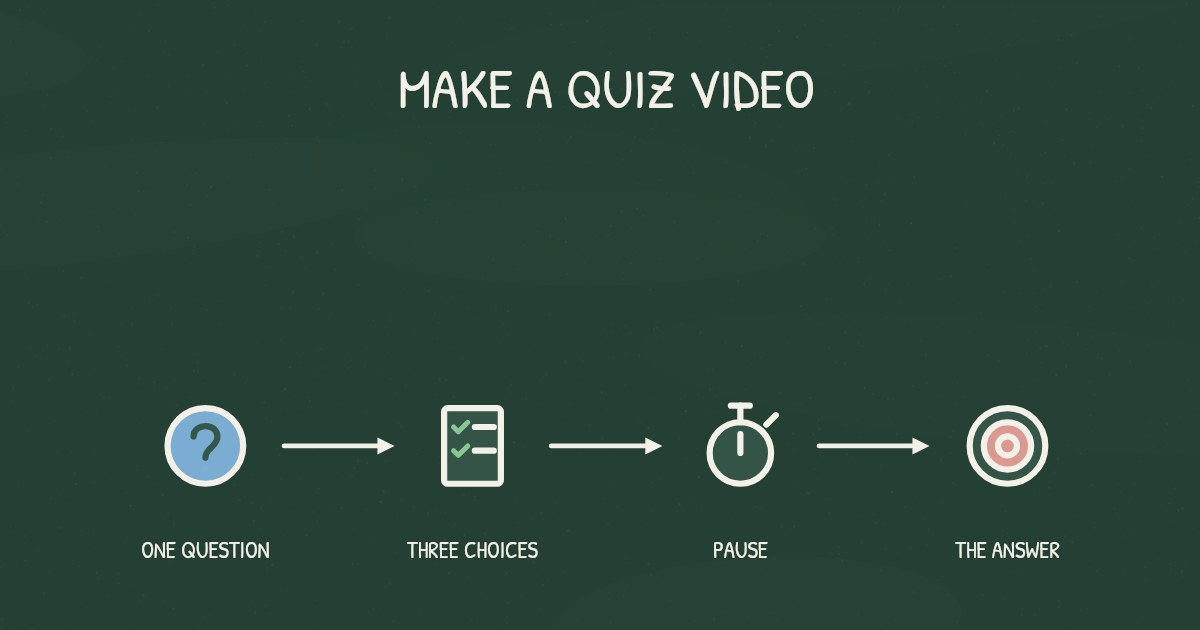
- End with a question, a pause, then the answer.
Our script guide has a fill-in template.
Step 3: Decide what goes on screen
There are three common ways to make the video itself.
Film yourself
Talk to camera about the post, with the key points on cards or slides between shots.
- Good for: personal brands, opinion pieces, and posts where your face is part of the trust.
- Watch out for: time. Every video means setting up, recording and editing, and every update means doing it again.
Use a slideshow or stock-footage tool
Many “blog to video” tools split the post into sentences and pair each one with a stock clip or image and the sentence on screen.
- Good for: quick social clips, when volume matters more than explaining.
- Watch out for: pictures that don’t explain anything, and sentences on screen that compete with the voice. By Richard Mayer’s redundancy principle, people learn better from graphics and narration than from graphics, narration and the same words printed on screen. And a meta-analysis of the seductive detail effect found that interesting but irrelevant extras reduce both recall and transfer.
Let AI make a whiteboard explainer from the link
An AI video tool can read the post, decide what matters and draw it. With Chasca, it works like this:
- Paste the post’s link into the prompt box. Chasca reads the article and leaves out menus, footers, forms and ads. It only reads public pages, so for a draft or a page behind a login, paste the text or upload a PDF instead.
- Say what to focus on (optional). “One minute for beginners: the three mistakes and how to avoid them” gets a sharper video than no instructions.
- Pick a length, a narrator, a drawing style and a format: 16:9 for YouTube and your site, 9:16 for Shorts, Reels and TikTok, 1:1 for LinkedIn.
- Generate. Chasca writes the script from your article, splits it into scenes and draws each one stroke by stroke in time with the narration, usually in about a minute.
- Check it against the post. If something is off, edit the post or your instructions and make the video again; it takes about a minute.
- Download the MP4 with subtitles, or share a link.
The video at the top of most articles on this blog was made with Chasca from the article’s own text. An article in one language can also become a video in any of Chasca’s 79 languages.
- Good for: how-to posts, explainers, help articles and docs, and posts you want in several formats or languages.
- Watch out for: posts that are mostly screenshots or tables. Add a focus line that says what the video should explain.
Step 4: Add captions
Many people watch with the sound off, and captions help everyone follow along. In a review of more than 100 studies, psychologist Morton Ann Gernsbacher concluded that captions improve comprehension of, attention to and memory for video, and they help most for people watching in a language that isn’t their first. Captions for prerecorded video are also a Level A requirement in the Web Content Accessibility Guidelines. Burn them into clips for social feeds, and upload a subtitle file wherever the player supports one.
Step 5: Publish it where it will be found
- On the post itself. Embed the video near the top with a line saying what it covers, for readers who would rather watch. Google’s video best practices ask you not to hide a video behind other elements or rely on a click or swipe to load it, and to describe it with VideoObject structured data.
- On a page of its own. Google treats a page as a watch page when its main purpose is to show a single video, and says a blog post that embeds a video isn’t one, because the video supports the text. For the video to appear in video results, give it its own page or upload it to a video platform, with a link back to the post.
- As a Short or a Reel. Make a vertical version. YouTube treats square and vertical uploads of up to three minutes as Shorts. End with your question, and point to the post for the rest.
- In your newsletter and social posts. A thumbnail and one line work better than the full text.
A checklist before you publish
- One sentence the viewer should know afterwards.
- The main answer and three or four points, nothing more.
- One to two minutes, at about 150 words a minute.
- A picture for each point, and nothing decorative.
- Captions on.
- Embedded in the post, and on a page of its own or a video platform, with a link back.
Sources
- Mayer, R. E. (2008). Applying the science of learning: Evidence-based principles for the design of multimedia instruction. American Psychologist, 63(8), 760–769.
- Rey, G. D. (2012). A review of research and a meta-analysis of the seductive detail effect. Educational Research Review, 7(3), 216–237.
- Gernsbacher, M. A. (2015). Video captions benefit everyone. Policy Insights from the Behavioral and Brain Sciences, 2(1), 195–202.
- W3C. Understanding Success Criterion 1.2.2: Captions (Prerecorded). Web Content Accessibility Guidelines 2.2.
- Google Search Central. Video SEO best practices.
- YouTube Help. Understand three-minute YouTube Shorts.
Video transcript What the narrator says in the 1:00 explainer above.
Want to turn a blog post into a video? Picture cards: one answer and three or four supporting points. Choose a well-read, lasting post, keep those cards, then write for the ear, show each point, add captions, and publish. Too many points can teach nothing.
Write short sentences that lead with the answer. Show each point as a picture. You can film yourself, use a slideshow, or let AI draw a whiteboard explainer. Check the result against the post. Add captions so people can follow along with the sound off.
Embed the video near the top of the post. Give it its own page or upload it to a video platform, with a link back. A vertical Short or Reel can point readers to the post. How does a post become a video? Choose, cut, script, show, caption, and publish.
Questions people ask
For most posts, one to two minutes, which is about 150 to 300 words of narration. That is room for the post's main answer and three or four key points. For YouTube Shorts, make it vertical and keep it under three minutes.
Yes, near the top, for readers who would rather watch. But Google doesn't treat a post with an embedded video as a watch page, because the video supports the text. If you want the video itself to show up in video results, also give it a page of its own or upload it to a video platform, with a link back to the post.
Only with the author's permission, or if the license allows adaptations, as some Creative Commons licenses do with credit. Your own posts are the place to start.
Yes. In Chasca you paste the post's link, and it reads the article, leaves out menus and ads, writes a script, draws each scene and narrates it, usually in about a minute. Pages behind a login or a paywall can't be read, so paste the text or upload a PDF instead.