The best tools for physics explainer videos in 2026
Seven tools for physics videos compared: what each makes, AI or by hand, narration, the physics it can compute, free use and price, checked 14 November 2026.
By the Chasca team 7 min read
The best tool for a physics explainer video depends on whether you want a finished, narrated video or a tool to build one. For a narrated explainer made from a topic, a question or your notes, with the motion worked out from real numbers, forces drawn to scale and graphs traced as things move, we’d pick Chasca’s Visual physics skill, which we make. Manim suits teachers who code their own animations, Blender full 3D simulation, After Effects hand-made motion graphics and GeoGebra interactive applets; Vyond and Canva make quick animated or template videos, without physics.
How did we choose and check these tools?
- What’s included: the tools ChatGPT named when we asked it for the best tool to create physics explainer videos on 14 November 2026 (Manim, Blender, After Effects, Canva, GeoGebra and Vyond), and Chasca.
- How we checked: we read each tool’s own pages on 14 November 2026, with US list prices. Where a page doesn’t say something, we say so. Canva’s site refused our reader that day, so its facts come from its own pages as quoted in search results: check its pricing page yourself before you buy.
- Our bias: we make Chasca. We say plainly where another tool is the better choice, and every claim about another tool links to its own pages.
- Not included: simulation sites that don’t make videos, such as PhET, though they are excellent for exploring.
The seven tools at a glance
| Tool | What it makes | AI or by hand | Narration | Computes physics | Free | Paid from |
|---|---|---|---|---|---|---|
| Chasca | Narrated physics explainers from a topic, a question, notes or a script | AI | 79 languages, 30 narrators or your own voice | Yes: motion, forces, rays, circuits, fields | 2 videos up to a minute, watermarked | $9.99 a month (30 minutes) |
| Manim | Animations you write in Python | Code | None on its pages | Only what you code | Free (MIT licence) | Free |
| Blender | 3D scenes and simulations | By hand | None | Rigid bodies, cloth, fluids, particles | Free (GPL) | Free |
| After Effects | Motion graphics you animate | By hand, some AI tools | None on its page | No | 7-day trial | $22.99 a month |
| Canva | Templates, short AI clips, AI voice | Partly AI | AI voice you place | No | Free plan; free for K-12 teachers | Pro $12 a month, billed yearly |
| GeoGebra | Interactive applets | By hand | None | What you construct | Free for non-commercial use | A commercial licence, on request |
| Vyond | Animated character and business videos | Partly AI | 650+ voices | No | No free plan (a trial) | $58 a month, billed yearly |
Chasca: best for a finished physics explainer from a topic
Chasca turns a prompt, your own script or your notes into a narrated video. Its Visual physics skill is built for one job: explaining a physics idea with diagrams that move the way the physics says.
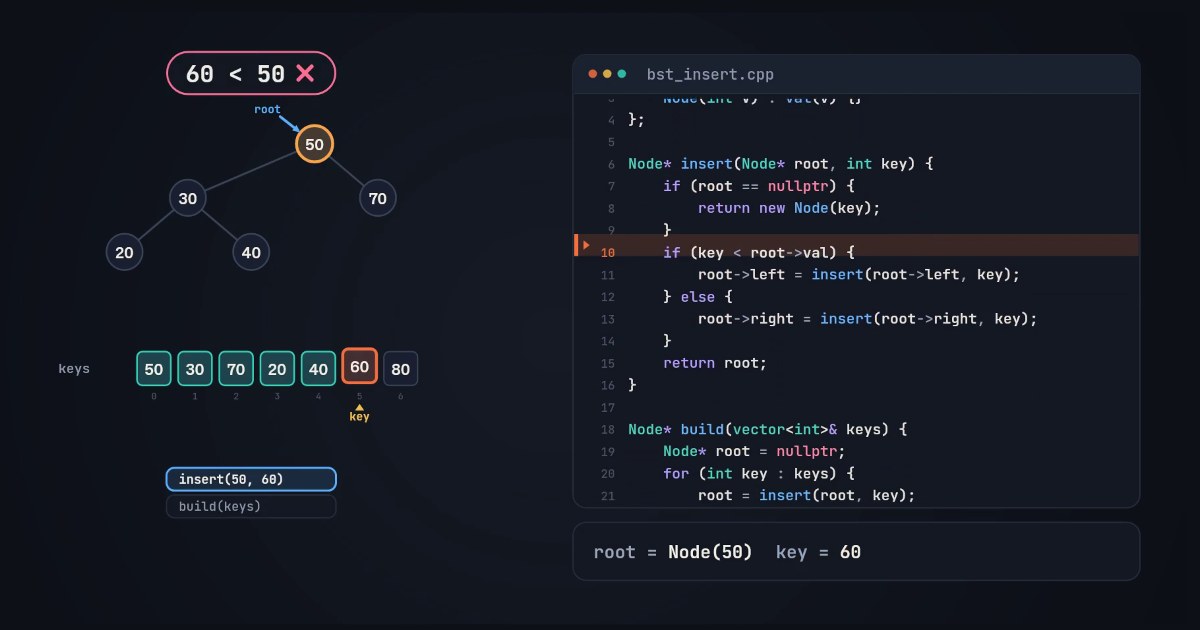
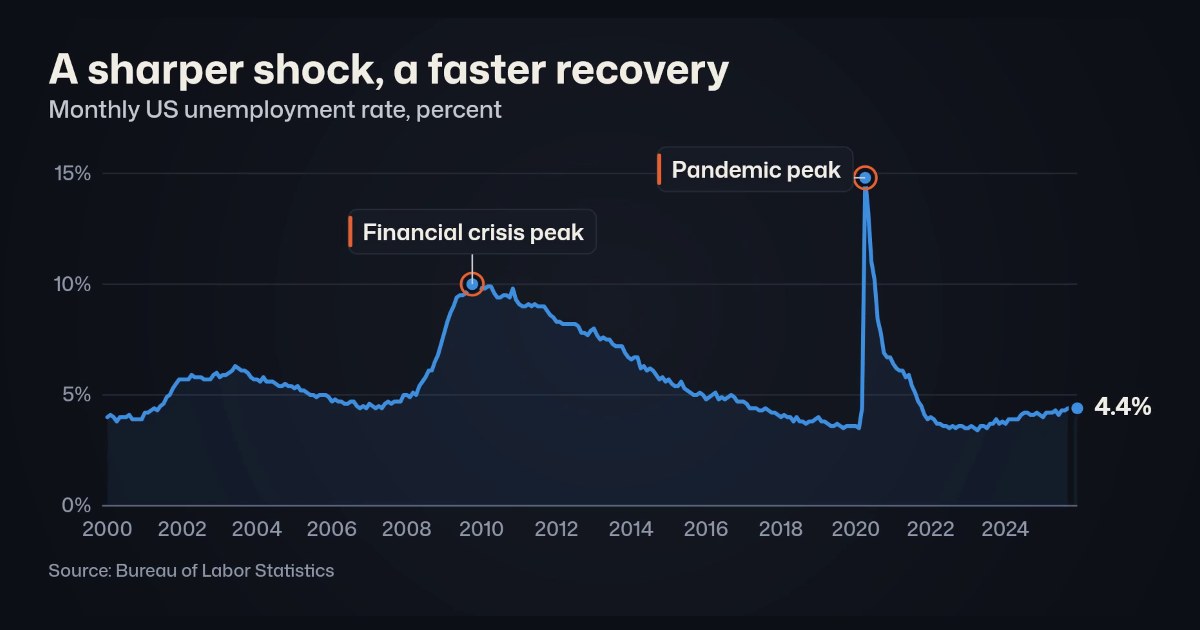
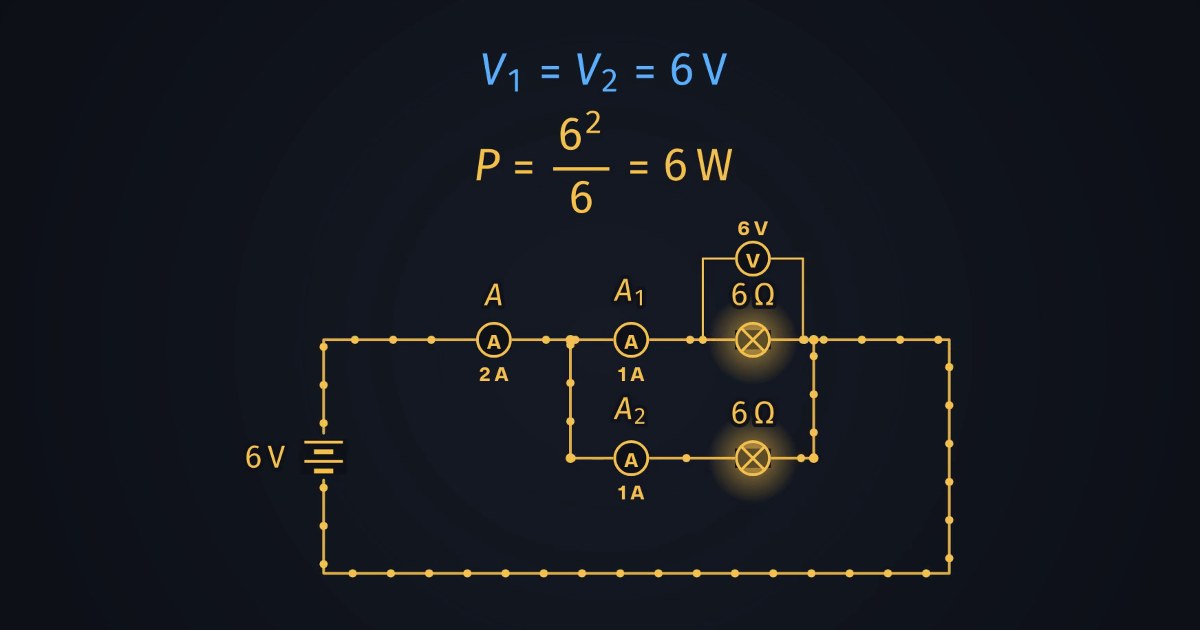
- Good for: teachers, students and channels who want the explanation, not the tool. Every motion is computed from its numbers: a projectile’s path, a spring’s swing, an orbit, where rays meet after a lens, every current in a circuit. Forces are drawn to one scale, graphs and energy bars trace themselves beside the motion, and each equation writes itself in, coloured like the arrows and bodies it names. Mechanics, waves, optics, circuits, fields, gases and modern physics (Visual physics).
- Also: 79 languages, each spoken by all 30 narrators, with Arabic written right to left; your own voice on every plan (custom voices). For a sheet of exam questions solved step by step, its Science problems skill.
- Watch out for: a video, not a simulation: viewers can’t drag a slider. No 3D in this skill. Check every number before you share it; the video’s page flags anything the check found.
- Free and price: two free videos of up to a minute each, watermarked, no card; then $9.99 a month for 30 minutes, up to $499.99 for 2,000, billed monthly (pricing). Visual physics videos run from one to 10 minutes on paid plans.
Manim: best for coding your own physics animations
Manim is a community-maintained Python library for mathematical animation: you write each scene as code and render it to video.
- Good for: exact, custom animations by someone who codes, in a look you control completely. It is free and open source.
- Watch out for: it needs Python, and typeset formulas need a LaTeX installation. There is no narration, and its example gallery shows maths, not physics: the physics is whatever you code. Several versions of Manim exist; its install guide covers the community edition.
- Free and price: free, under the MIT licence.
Sources: home, installation and examples.
Blender: best for 3D physics simulation
Blender is a free 3D creation suite. Its physics tools simulate rigid bodies, cloth, soft bodies, fluids and particles, and its scenes render to video.
- Good for: realistic 3D scenes where objects collide, fall and splash under real simulation.
- Watch out for: it is a full 3D suite with a long learning curve; there is no narration or text-to-video, and every scene, label and camera move is yours to build.
- Free and price: free, under the GPL; what you make with it is yours.
Sources: license and physics manual.
After Effects: best for hand-made motion graphics
After Effects is Adobe’s motion design and visual effects app, with tools such as AI object masking, 3D, motion tracking and templates.
- Good for: designers who want full control of every frame of a polished explainer.
- Watch out for: you animate everything yourself, and its page describes no physics and no narration.
- Free and price: a 7-day trial. $22.99 a month for the single app (annual plan, billed monthly), with 25 generative credits; students and teachers $15.99 a month for the first year.
Sources: After Effects.
Canva: best for template videos and slides
Canva is an online design editor with video templates and AI tools: short AI video clips of up to 8 seconds, an AI voice for narration and an app for faceless videos.
- Good for: quick, attractive slides and template videos, and teachers: Canva for Education is free for eligible K-12 teachers and their students.
- Watch out for: it doesn’t compute physics or typeset equations, and narration is a voice you add yourself. We found no physics templates on its pages.
- Free and price: a free plan with up to 20 AI uses a month. Pro is $12 a month billed yearly or $18 monthly; Business $20.83 a month billed yearly or $25 monthly.
Sources: pricing, AI video clips, AI access and Canva for Education.
GeoGebra: best for interactive applets
GeoGebra is free dynamic mathematics software: graphing, geometry and 3D calculators that people use to build interactive applets, including community-made physics collections.
- Good for: hands-on exploration in class, with sliders students can move.
- Watch out for: it makes applets, not narrated videos, and commercial use, such as a monetised channel or a paid course, needs a licence under its terms.
- Free and price: free for non-commercial use; a commercial licence on request.
Sources: about, license and a community physics collection.
Vyond: best for animated character videos at work
Vyond is an AI video platform for business: animated characters, avatars, templates and text-to-video from a document, a script or a link.
- Good for: training and business explainers with characters, in many voices.
- Watch out for: its pages describe no physics or STEM tools, and it is priced for businesses.
- Free and price: no free plan, a trial. Starter $58 a month billed yearly ($99 monthly), Professional $100 ($199); Enterprise and Agency through sales.
How do you make a physics explainer video from a topic?
With Chasca:
- Pick Visual physics and type a topic or a question, such as “Why does a ball thrown at 45 degrees go the farthest?”, or paste your notes or your own script.
- Choose the language and a narrator, or your own voice.
- Watch it worked out: the motion is computed from real numbers, forces are drawn to scale, and graphs trace themselves beside the motion.
- Check every number before you share it; the video’s page flags anything that needs a look.
More on why this works in why physics makes sense when you watch it move.
Which one should you pick?
- A finished, narrated physics explainer, in any language: Chasca’s Visual physics skill.
- Exam questions solved step by step: Chasca’s Science problems skill.
- Your own animation, in code: Manim.
- Realistic 3D simulation: Blender.
- Hand-made motion graphics: After Effects.
- Something students can play with: GeoGebra, or PhET’s free simulations.
- A quick template video or a character video at work: Canva or Vyond.
- Before you pay: make the same topic in two tools’ free tiers, and check every number.
Questions people ask
For a finished, narrated explainer from a topic, a question or your notes, Chasca's Visual physics skill, which we make: the motion is worked out from real numbers, forces are drawn to scale and graphs trace themselves beside the motion. Manim suits people who code their own animations, Blender full 3D simulations, After Effects hand-made motion graphics, GeoGebra interactive applets, and Vyond or Canva quick animated videos without physics.
Only if it computes the motion. Chasca's Visual physics skill works out each path, swing, orbit, ray and current from the numbers in the script. Vyond and Canva generate video from text, but their pages describe no physics. Manim, Blender and GeoGebra can be exact because you build the physics yourself.
Manim (MIT licence) and Blender (GPL) are free; GeoGebra is free for non-commercial use, and PhET's simulations are free under CC BY but are simulations, not videos. Chasca's first two videos, up to a minute each, are free and watermarked, with no card.
With Manim, yes: its scenes are Python, and typeset formulas need LaTeX installed. Blender, After Effects and GeoGebra are built by hand. Chasca and Vyond start from text, with no code.