The best NotebookLM Video Overview alternatives in 2026
For a video to publish in your own voice, with your logo, up to 30 minutes long: Chasca. Six more NotebookLM Video Overview alternatives, compared.
By the Chasca team 9 min read
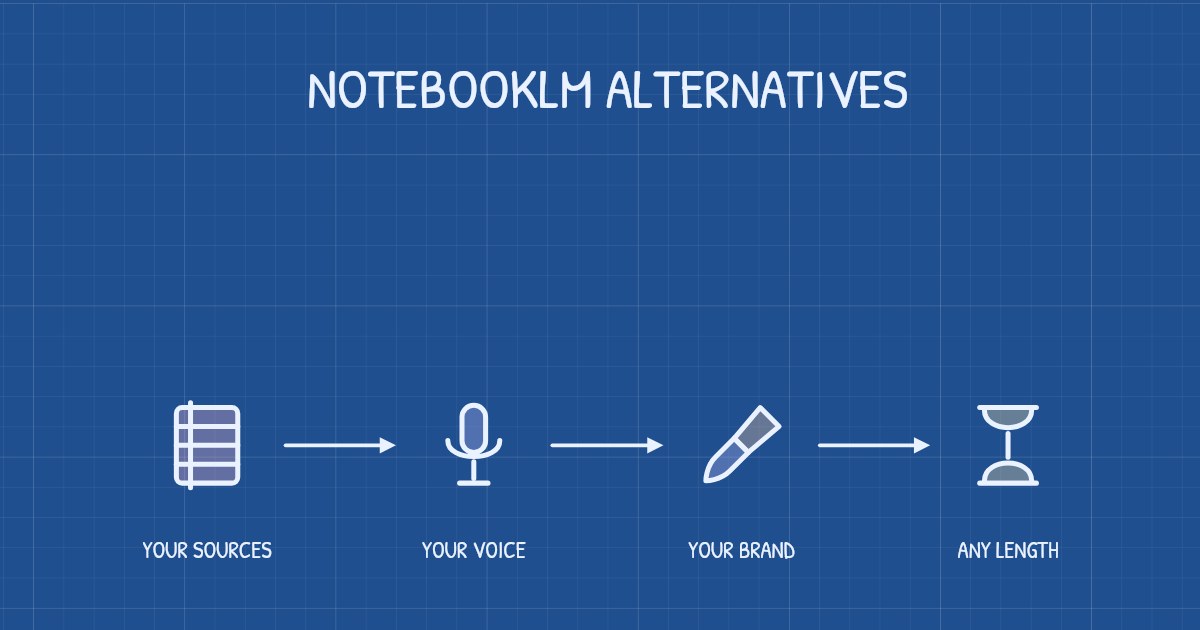
The best NotebookLM Video Overview alternative depends on what the video is for. For a video to publish, in your own voice, with your logo and up to 30 minutes long, we’d pick Chasca, which we make. Scholarly suits long lectures with questions built in, Kinoslide math derivations and slides, Scrimba Explain quick lessons inside ChatGPT or about code, openCanviz editing every box yourself, Golpo re-prompting single frames, and Pictory stock footage instead of drawings. For your own studying, Gemini Notebook (NotebookLM’s new name) is free and may be enough.
How did we choose and check these tools?
- What’s included: tools that, like a Video Overview, make the whole narrated video for you from a topic, notes or a document.
- How we checked: we read each tool’s own pricing, help and documentation pages between 2 and 4 November 2026 (dates under each section). Where a page is silent, or a tool’s own pages disagree, we say so. Prices change, so check before you buy.
- Our bias: we make Chasca. We say plainly where another tool is the better choice, and every claim about another tool links to its own pages.
- Not compared: avatar tools such as HeyGen and Synthesia, which make a different kind of video.
What does a Video Overview do, and why look elsewhere?
Google renamed NotebookLM to Gemini Notebook in July 2026. Its Video Overviews turn a notebook’s sources into a narrated video, free within usage limits that refresh every five hours. According to Google’s help page, you choose Explainer, Short (about 60 seconds) or Cinematic, a style such as Whiteboard, a language and a focus, and you can download the video from most notebooks.
People look elsewhere when the video is for others. There are no script, voice or branding options, a length is published only for Short, and choosing a style is for users aged 18 and over. A video can take more than 30 minutes to make, Google warns that videos may contain inaccuracies or audio glitches, and its pages don’t mention subtitles or equations. NotebookLM video overviews vs Chasca has the details.
Sources: Google’s announcement, Video Overviews help and usage limits, checked 2 November 2026.
The eight tools at a glance
| Tool | Best for | Your own voice | Longest video | Paid plans from |
|---|---|---|---|---|
| Chasca | A video to publish | Custom voice on every plan, or your recording | 30 minutes | $9.99 a month (30 minutes) |
| Scholarly | Long lectures with questions | AI narrators only | 45 minutes | $30 a month, or $15 billed yearly |
| Kinoslide | Math derivations, slides | Not published | 5 to 15 minutes by plan | $30 a month, or $24 billed yearly |
| Scrimba Explain | Lessons in ChatGPT, code | Explain picks it | Not published | $49 a month, or $24.50 billed yearly |
| openCanviz | Editing every box | Your recording, step by step | Pages differ: 20 minutes to no limit | US$19 a month |
| Golpo | Re-prompting frames | From $499.99 a month, or pay as you go | 2 to 10 minutes by plan | $39.99 a month (black and white) |
| Pictory | Stock footage | Voice clones from Professional | 5 minutes on the trial | $29 a month, or $25 billed yearly |
| Gemini Notebook (the baseline) | Studying your sources | No | Not published (Short: about 60 seconds) | Free |
Chasca: best for a video to publish in your voice
Chasca turns a prompt, a PDF, Word file or slide deck, a photo of your notes, an article link or a recording into a narrated whiteboard video, drawn stroke by stroke in time with the narration, usually in under a minute for a one-minute video. Your own script is spoken word for word.
- Good for: what a Video Overview leaves out. Narrate in a custom voice from about a minute of reading, on every plan (custom voices), or use a recording, even a downloaded Audio Overview, as the narration (step by step). Add your logo, colors, font and a credit line from Pro (branding). Videos run up to 30 minutes on paid plans, in 16:9, 9:16 or 1:1, in the drawing style you choose.
- Also: narration in 79 languages, equations written line by line, Arabic math right to left (Arabic math lessons), and SRT and VTT subtitles.
- Watch out for: no avatars, footage or characters who act, and no placing drawings by hand. A finished video changes one thing at a time; a new voice or format makes a new video. Billing is monthly only.
- Free and price: two free videos up to 1 minute each, watermarked, with no card; then Solo $9.99 a month for 30 minutes, Pro $49.99 for 200 with branding, up to Team $499.99 for 2,000 (pricing).
Scholarly: best for long lectures with questions built in
Scholarly is a study platform whose Video Lectures turn documents, decks with speaker notes, images of notes, text, YouTube links or a topic into narrated lectures with chapters, captions, a transcript, question checkpoints and an AI chat.
- Good for: long material. Paid lectures run up to 45 minutes, in five modes, among them Illustrated (hand-drawn) and Manim Math Animation, with “equations with real math typography”. “Use my script as written” keeps your wording, and narration comes in 70+ languages.
- Watch out for: the narrators are AI only (“it is not a recording of your own voice”), and “There is no timeline editor”: to change a lecture, you make a new version.
- Free and price: one lecture of about 2 minutes at 720p, with Scholarly branding and “No MP4 download”. Premium is $30 a month, or $15 billed yearly, with 15 credits a week (a lecture is 1, more past 15 minutes); Laureate is $99 a month with 80. Both add MP4 downloads and 1080p.
Sources: Scholarly’s Video Lectures, pricing and home pages, checked 4 November 2026.
Kinoslide: best for math derivations and slides
Kinoslide makes lessons from a PDF, notes or a prompt in five looks, among them Dry Erase (a marker board, or chalk in Blackboard) and Presentation (animated slides that also export as a deck).
- Good for: math. In Dry Erase, “Formulas are set from LaTeX and drawn in a handwritten style” and rewrite themselves as a derivation moves. Your own 100+ word script is read word for word in most looks, credits roll over, and Pro adds storyboard review and scene edits.
- Watch out for: narration comes in 11 languages (its pages disagree on which plans get them), and cloning and your own recording aren’t mentioned. PowerPoint must be exported to PDF first, and Basic stops at 5-minute videos in 720p.
- Free and price: 4 credits at signup (a credit is a minute) for videos up to 1 minute “with a small watermark” (the home page says “4 minutes a month”); free downloads aren’t mentioned. Basic is $30 a month, or $24 billed yearly, for 50 minutes; Pro $100 or $80 for 100; Scale $600 or $480 for 500.
Sources: Kinoslide’s home, pricing, features, Dry Erase, math lessons, languages, PowerPoint and PDF pages, checked 4 November 2026.
Scrimba Explain: best for lessons inside ChatGPT, and code
Scrimba Explain makes “a sequence of slides with spoken narration”, holding code, diagrams, formulas, images and quizzes, built while you watch, on scrimba.com, in ChatGPT and Codex through a plugin, or from Claude and other MCP tools.
- Good for: a lesson mid-conversation in ChatGPT, written by the model you’re chatting with; code, with the narration pointing into it; quizzes answered on the slide; and changes you type in plain words.
- Watch out for: Explain picks the voice, narration comes in 33 languages, and the length isn’t published. Downloads, switching off the watermark and commercial use need Pro.
- Free and price: five explainers with a free account (for life on its plans page, a month on its API page). Pro, with 100 a month, is $49 a month or $24.50 billed yearly. More in Scrimba Explain vs Chasca.
Sources: Scrimba’s docs on Explain, ChatGPT, use cases, editing, languages, exporting, quizzes, plans and its API, and its Pro article, checked 3 and 4 November 2026.
openCanviz: best for editing every box yourself
openCanviz draws explainers “on paper, idea by idea” with a visible pen, from a topic, pasted text or a web link. “Keep my wording” makes your text the script.
- Good for: control. Its editor goes down to a single box, label or arrow, with a timeline and camera. You can record your own voice for each step, and Pro makes about 171 minutes for US$39.
- Watch out for: “No file uploads”: a notebook’s PDFs have to go in as pasted text. Narration comes in 12 languages, cloning isn’t mentioned, and its pages disagree on the longest video, from a 20-minute slider to “No limit on video length”.
- Free and price: 100 credits once, “about 14 minutes”, but exporting takes “a US$10 one-off” per project on the home page, or a paid plan on the pricing page. Plus is US$19 a month for about 57 minutes, and credits don’t roll over.
Sources: openCanviz’s home and pricing pages and its docs on inputs, narration, downloads, credits and length, checked 4 November 2026.
Golpo: best for re-prompting single frames
Golpo turns a prompt or a document into a narrated whiteboard video, and lets you edit a finished video frame by frame with a prompt: one edit free, then charged.
- Good for: fixing one frame; yearly plans at 40% to 50% off; or pay as you go from $7.99 a minute, with color, logo and voice cloning.
- Watch out for: videos run 2 minutes on Starter and Creator, 4 on Growth and 10 on Business and Scale. Color starts on Growth ($199.99), where a logo is a $100 add-on; voice cloning and your own narration start on Business ($499.99). Narration comes in 46 languages.
- Free and price: one 1-minute video, watermarked, that can’t be downloaded; then Starter $39.99 a month for 20 minutes in black and white. More in Golpo vs Chasca.
Sources: Golpo’s pricing, editing guide and languages guide, checked 2 November 2026.
Pictory: best for stock footage instead of drawings
Pictory isn’t a whiteboard tool. It turns an idea, a script, a link or a file into a video of stock footage, AI images and clips, ElevenLabs voices and avatars.
- Good for: a video that looks filmed rather than drawn.
- Watch out for: voice clones start on Professional ($59 a month, or $35 billed yearly), and the API is sold separately.
- Free and price: a 14-day trial for 3 videos of up to 5 minutes, watermarked, with no card. Starter is $29 a month, or $25 billed yearly, for up to 30 minutes a month.
Sources: Pictory’s home and pricing pages, checked 4 November 2026.
HeyGen and Synthesia: a presenter on camera instead
HeyGen and Synthesia make avatar videos, with a presenter talking to camera rather than a drawing on a board. That’s a different kind of video, not compared here.
Which one should you pick?
- Only for your own studying? Gemini Notebook is free.
- In your voice, with your logo? Chasca has a custom voice on every plan and branding from Pro; Golpo has both from Business.
- Longer than 10 minutes? Scholarly goes to 45 minutes, Chasca to 30, Kinoslide to 15 and Golpo to 10.
- Math? Chasca, Kinoslide and Scholarly’s Manim mode write equations. Check every symbol before you publish.
- In ChatGPT, or about code? Scrimba Explain.
- Every box under your control? openCanviz.
- Footage or a presenter? Pictory, or an avatar tool.
Questions people ask
It depends on the job: for a video to publish, in your own voice, with your logo and up to 30 minutes long, Chasca. Scholarly suits long lectures with questions built in, Kinoslide math derivations, Scrimba Explain quick lessons inside ChatGPT, openCanviz editing every box yourself, and Pictory stock footage. For studying your own sources, Gemini Notebook itself is free.
Not according to Google's help page, which offers no script or voice options. Chasca narrates in a custom voice made from about a minute of reading, on every plan, or uses your own recording as the narration. openCanviz lets you record your voice step by step, and Golpo includes voice cloning from its $499.99 Business plan.
Most of them can be tried for free: Chasca's first two videos, up to a minute each and watermarked; one Scholarly lecture of about 2 minutes, with no download; Kinoslide's 4 signup credits; openCanviz's 100 credits, about 14 minutes; Scrimba Explain's free explainers; and Pictory's 14-day trial. Gemini Notebook itself stays free within usage limits.
Chasca writes equations in math notation line by line and plots graphs from their functions, right to left in Arabic. Kinoslide sets formulas from LaTeX in a handwritten style and Scholarly has a Manim math mode, while Google's pages don't mention equations. Whichever you use, check every symbol before you publish.