What is a whiteboard explainer video?
A whiteboard explainer is a short video that explains one idea by drawing it as a narrator talks. How it works, when to use one and how to make one.
By the Chasca team 4 min read
A whiteboard explainer video is a short video that explains one idea by drawing it while a narrator talks it through. Each picture appears at the moment it is mentioned: the narrator says “your heart has four rooms”, and four rooms are drawn on the board. The viewer never has to decode a finished diagram on their own, because they watch it being built.
The format started with artists filming their hand on a real whiteboard. Today most whiteboard videos are drawn digitally, and increasingly by AI, but the recipe is the same: a clean background, simple drawings, a voice, and perfect timing between the two.
How a whiteboard explainer works
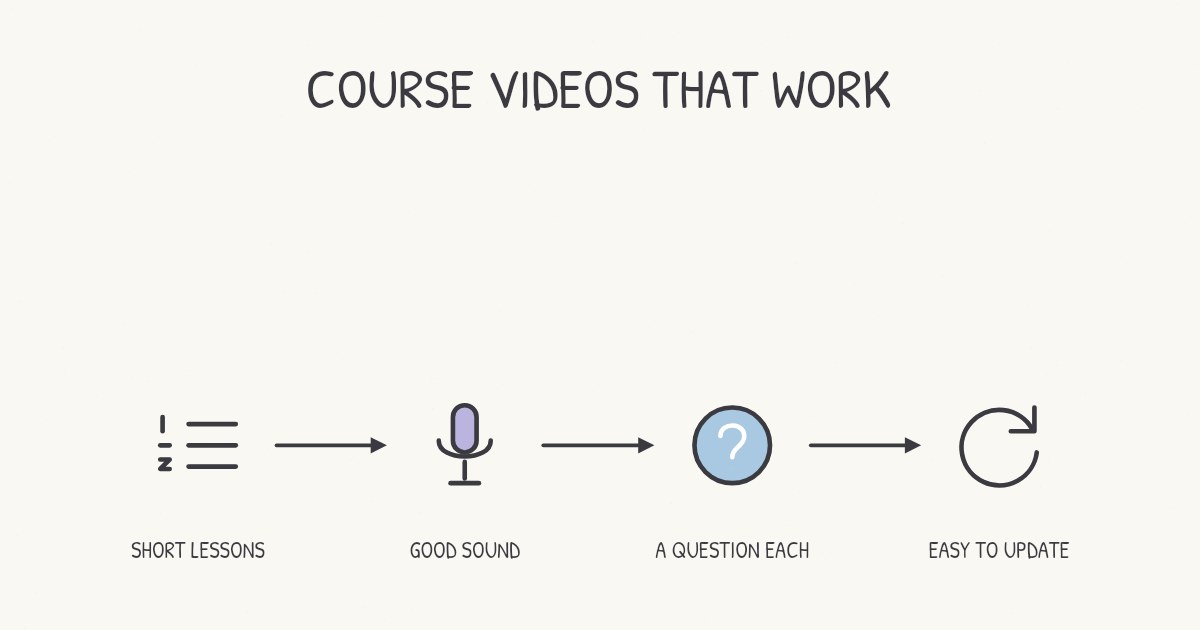
Every good whiteboard video has the same four ingredients:
- A script written to be heard. Short sentences, everyday words, one idea at a time. Read aloud, a minute of narration is about 150 words.
- Scenes, not slides. The script is split into scenes of one idea each, typically 10 to 30 seconds long.
- Drawings that arrive on cue. Each icon, label or arrow is drawn at the exact word that names it. This timing is what separates a whiteboard video from a slideshow with a voiceover.
- An ending that sticks. The best ones close with a question for the viewer, then a one-line recap.
The result feels like a friend sketching on a napkin while explaining something, which is exactly why it works.
Why the format works so well
Whiteboard videos aren’t just a style. There is good evidence behind them:
- Drawing beats showing. In a 2023 experiment with 133 students, diagrams that were drawn progressively led to better recall and better understanding than the same diagrams shown finished, with the same narration.
- Drawings hold attention better than slides. An analysis of 6.9 million viewing sessions on edX found that freehand tablet drawings kept students watching longer than PowerPoint slides.
- Timing cues lighten the load. When a picture appears exactly as it is named, the viewer doesn’t have to search the screen, and a meta-analysis of cueing found this kind of signal improves both recall and understanding.
We go through all of the findings in why whiteboard videos work.
When to use a whiteboard video
The format shines whenever the job is to explain how or why something works:
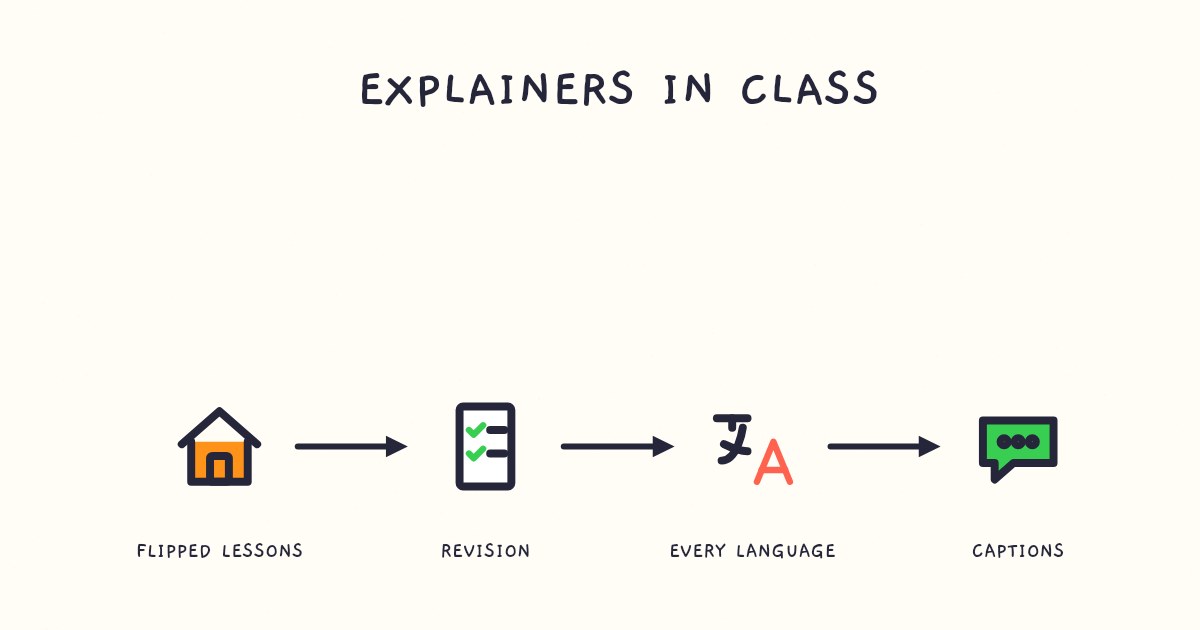
- Teaching: a concept, a mechanism, a lesson to watch before class or revise before a test.
- Training: a policy, a process, a safety rule, onboarding for new starters.
- Products: what a product does, how a feature works, why a customer should care.
- Documents: the report, spec or research paper most people will never read in full.
- Support: the answer to a common question, linked at the top of a help article.
If you teach or train people, our guides to explainer videos for teachers and making training videos go further.
When another format works better
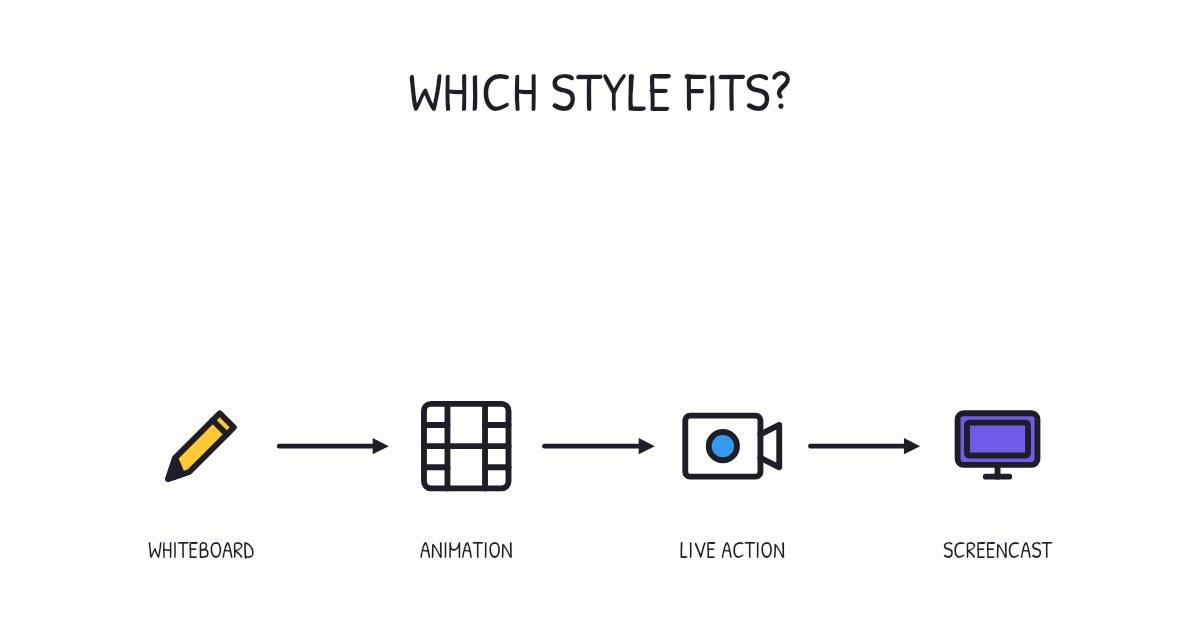
A whiteboard video is the wrong tool when the viewer needs to see the real thing:
- Showing a physical product, a place or a person: use live footage.
- Walking through software click by click: use a screen recording.
- A brand film that is about emotion rather than explanation: use motion design or live action.
Many teams combine them: a one-minute whiteboard explainer for the idea, then a screen recording for the clicks. Our guide to the types of explainer videos compares every format.
Three ways to make one
| Route | What it takes | Best for |
|---|---|---|
| Hire an illustrator or agency | A brief, several rounds of feedback, usually weeks, and a fee per finished minute | Flagship videos with a custom look |
| Whiteboard animation software | Writing the script, recording the voice, placing and timing every drawing by hand | People who want full manual control |
| An AI whiteboard video generator | A prompt or a document; the script, drawings, timing and narration are made for you | Explaining a lot of things, often, and keeping them up to date |
Chasca is the third kind. You type a topic or drop in a PDF, slide deck or link, and it writes the script, draws every scene in time with the narration and gives you a video you can change one thing at a time, such as the subtitles, the style or the music. Our step-by-step guide covers how to make a whiteboard animation video by every route.
What a good one looks like
Watch a few before you make your own. Notice how each drawing lands on the word that names it, how every scene sticks to one idea, and how the video ends by asking you something. Our examples page has whiteboard explainers made from one-line prompts, a PDF policy, a slide deck and an online article, in several styles and languages.
Sources
- Schneider, S., Krieglstein, F., Beege, M., & Rey, G. D. (2023). Successful learning with whiteboard animations: A question of their procedural character or narrative embedding? Heliyon.
- Krieglstein, F., Meusel, F., Rothenstein, E., Scheller, N., Wesenberg, L., & Rey, G. D. (2023). How to insert visual information into a whiteboard animation with a human hand? Effects of different insertion styles on learning. Smart Learning Environments.
- Guo, P. J., Kim, J., & Rubin, R. (2014). How video production affects student engagement: An empirical study of MOOC videos. Proceedings of the ACM Conference on Learning at Scale.
- Xie, H., et al. (2017). The more total cognitive load is reduced by cues, the better retention and transfer of multimedia learning. PLOS ONE.
Video transcript What the narrator says in the 1:18 explainer above.
A whiteboard explainer draws one idea as a narrator talks, like a friend sketching on a napkin. Ever tried to decode a finished diagram? Here, each picture appears just when it's named, so you watch the explanation take shape instead.
The recipe is simple: short spoken sentences, one idea per scene, and drawings timed to the words. That timing matters: in a 2023 experiment with 133 students, progressively drawn diagrams led to better recall and understanding than finished diagrams with the same narration.
Use one for lessons, training or explaining products. If viewers need to see a real product, choose live footage; for software clicks, a screen recording. Hire an illustrator, use animation software or use an AI generator. Why time each drawing to its word? So you can follow the idea as it takes shape.
Questions people ask
A whiteboard video builds its pictures line by line, as if drawn on a board while the narrator speaks. A general animated explainer shows finished characters and scenes that move. Whiteboard videos are usually simpler, faster to make and better suited to explaining how something works.
No. In a 2023 study of 84 university students, a visible drawing hand made viewers more motivated than a hand pushing finished pictures in, but none of the hand styles changed how much they learned. The drawing itself does the teaching.
Aim for 60 to 90 seconds for a single idea and stay under six minutes for anything educational. Longer topics work better as a short series.