Computer science teachers
Give each “what does this print?” question on the worksheet a trace students can replay, value by value, the night before the test.
Skills Code problems
Paste the code and the question, or drop a photo or PDF of the paper, and Chasca makes a video that walks through the code as the computer runs it: the code stays beside the working, each value is written on the board as it changes, and the output or the fix is boxed. It also works number systems, truth tables and SQL queries, for computer science teachers and course creators, and every answer is worked out a second time before the video is made.
At a glance
Who it’s for
Give each “what does this print?” question on the worksheet a trace students can replay, value by value, the night before the test.
Add a worked trace under every exercise in your course, explained in your learners’ language, with the code words said the way programmers say them.
Show a student why a line fails, an index past the end of a list or a missing colon, then the fix, one step at a time.
How it works
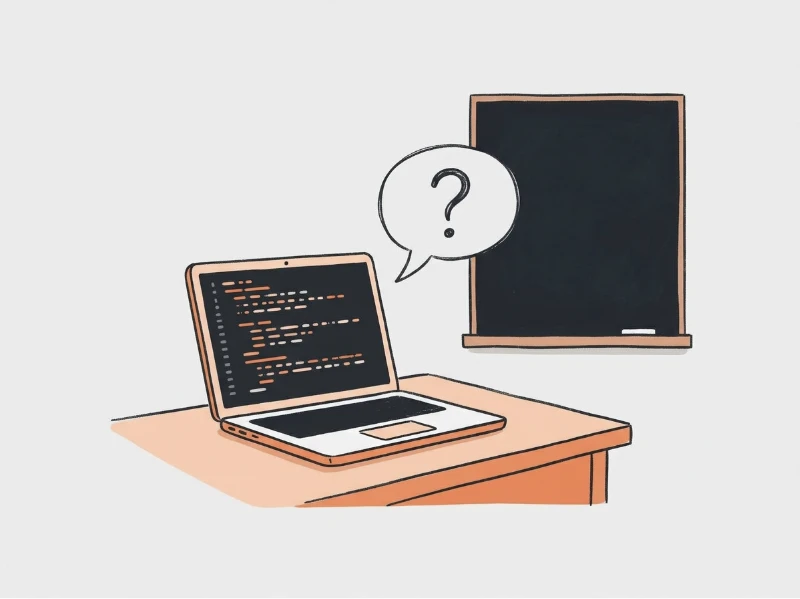
Output questions, finding errors, number systems, truth tables or SQL on a table, typed or as a photo or PDF.
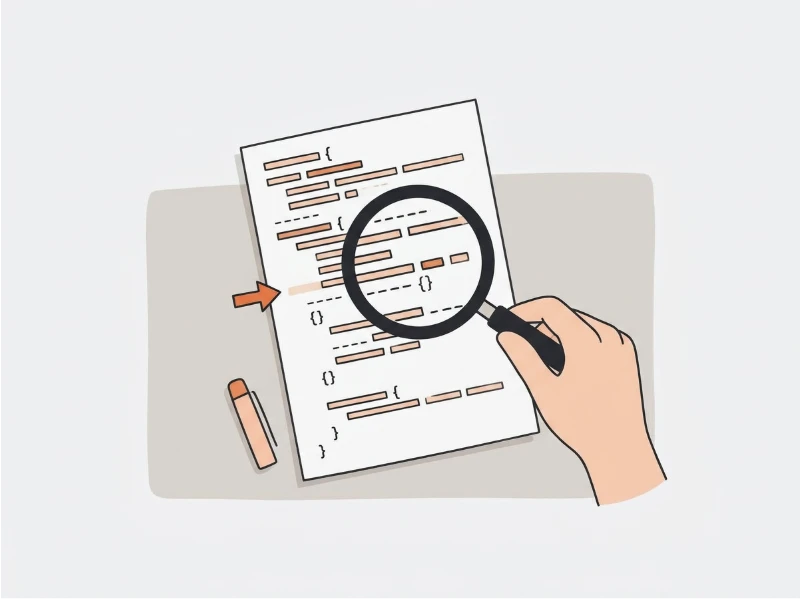
The code sits beside the working and is walked through as the computer runs it, each value as it changes.
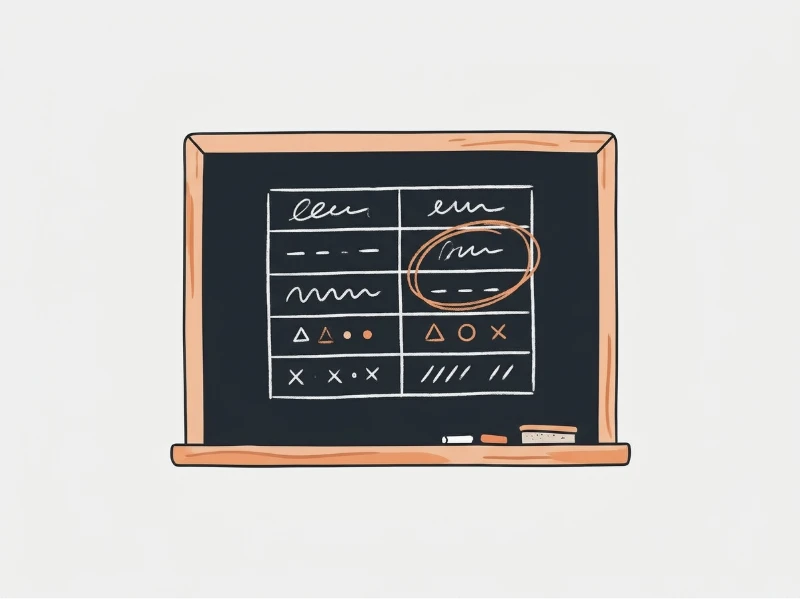
Values, outputs and errors are written step by step on the board as they are said.
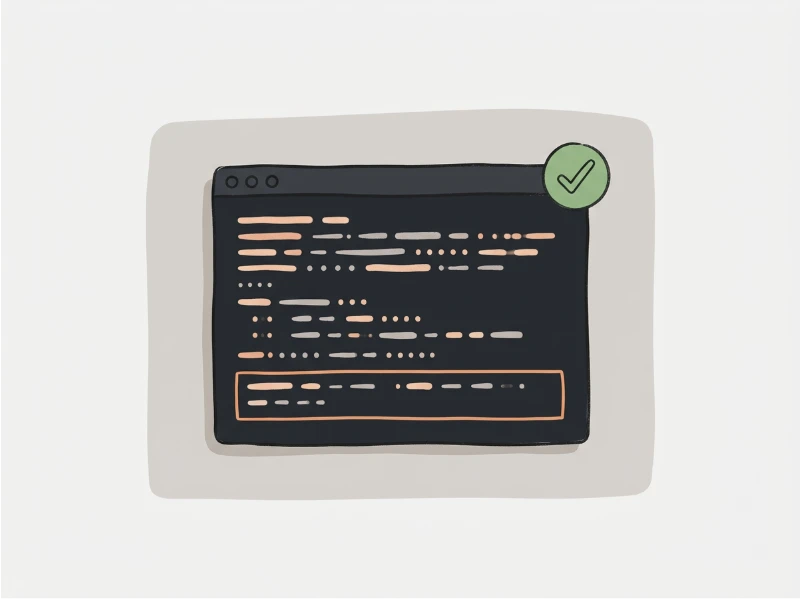
The answer is worked out a second time before it is boxed, and code words are read the way programmers say them.
Examples
A list two names point to, traced line by line beside the code, then a number converted step by step.
PromptTrace these for my class. 1) What is the output? x = [1, 2, 3] y = x y.append(4) print(len(x)) 2) Convert 45 to binary, then to hexadecimal.
Made from a promptCode problemsEnglish
Number systems in Brazilian Portuguese: dividing by two, then grouping the bits into hexadecimal.
PromptConverta 45 para binário e depois para hexadecimal.
Made from a promptCode problemsPortuguese
All eight rows worked out on the board, each half first and then OR, ending with the pattern in the last column.
PromptFill in the truth table for (A AND B) OR NOT C.
Made from a promptCode problemsEnglish
A for loop missing its colon: the error found, why Python stops before printing anything, then the corrected line.
PromptFind the error: for i in range(5) print(i)
Made from a promptCode problemsEnglish
FROM, WHERE, ORDER BY and SELECT applied in the order SQL runs them, on a small table of students’ marks.
PromptTrace this on students(name, marks) with Asha 92, Ravi 78, Meera 85: SELECT name FROM students WHERE marks > 80 ORDER BY marks DESC;
Made from a promptCode problemsEnglish
Recursion explained in Spanish: f(4) unfolded call by call down to the base case, then multiplied back up to 24.
Prompt¿Qué imprime este código? def f(n): return 1 if n == 0 else n * f(n - 1) print(f(4))
Made from a promptCode problemsSpanish
Why we built it
Tracing is how students learn what code really does, and it is the step they skip when nobody is watching. A teacher can trace one loop at the board, but not every question on every worksheet for every student who missed the lesson. We built the code skill so each question can have its trace, value by value, in the language the class is taught in.
Read why we built itYes. Chasca’s Code problems skill makes a narrated video that traces your code line by line on a teacher’s board: the code stays beside the working, each value is written as it changes, and the output is boxed. Paste the code and the question, or upload a photo or PDF of the paper.
No. The code is traced the way a teacher traces it, and the answer is worked out a second time from the same code before the video is made. If the two answers differ, the video’s page tells you which question to check.
Output and tracing questions, finding and fixing errors, number systems such as denary to binary or hexadecimal, truth tables, algorithms, recursion and SQL queries on a table. An algorithm can be drawn as a flowchart and a recursion as a tree of its calls.
Paste the code in the language your course uses: it is shown exactly as written and read the way programmers read it. Questions it writes for you are in Python unless you ask for another language.
Yes, in any of the 79 languages Chasca narrates in. The explanation is in your language, while the code, its keywords and its names stay as written and are said the way programmers say them.
From one minute to 30 minutes on a paid plan; the free videos are up to a minute. A video follows its questions, each on its own board, so several questions make a longer video.
Your first 2 videos are free, up to 1 minute each, watermarked. No card required. A skill works on the free videos too, up to a minute. After that, plans start at $9.99 a month for 30 minutes. See pricing.
More skills
Problems solved step by step on a teacher’s board, with a pointer and the answer boxed.
Physics, chemistry and genetics problems, units on every line and the diagram drawn beside.
Journal entries, ledgers and trial balances worked row by row, with debits and credits added up.
Your first 2 videos are free, up to 1 minute each, watermarked. No card required. Full product, every voice and style included.